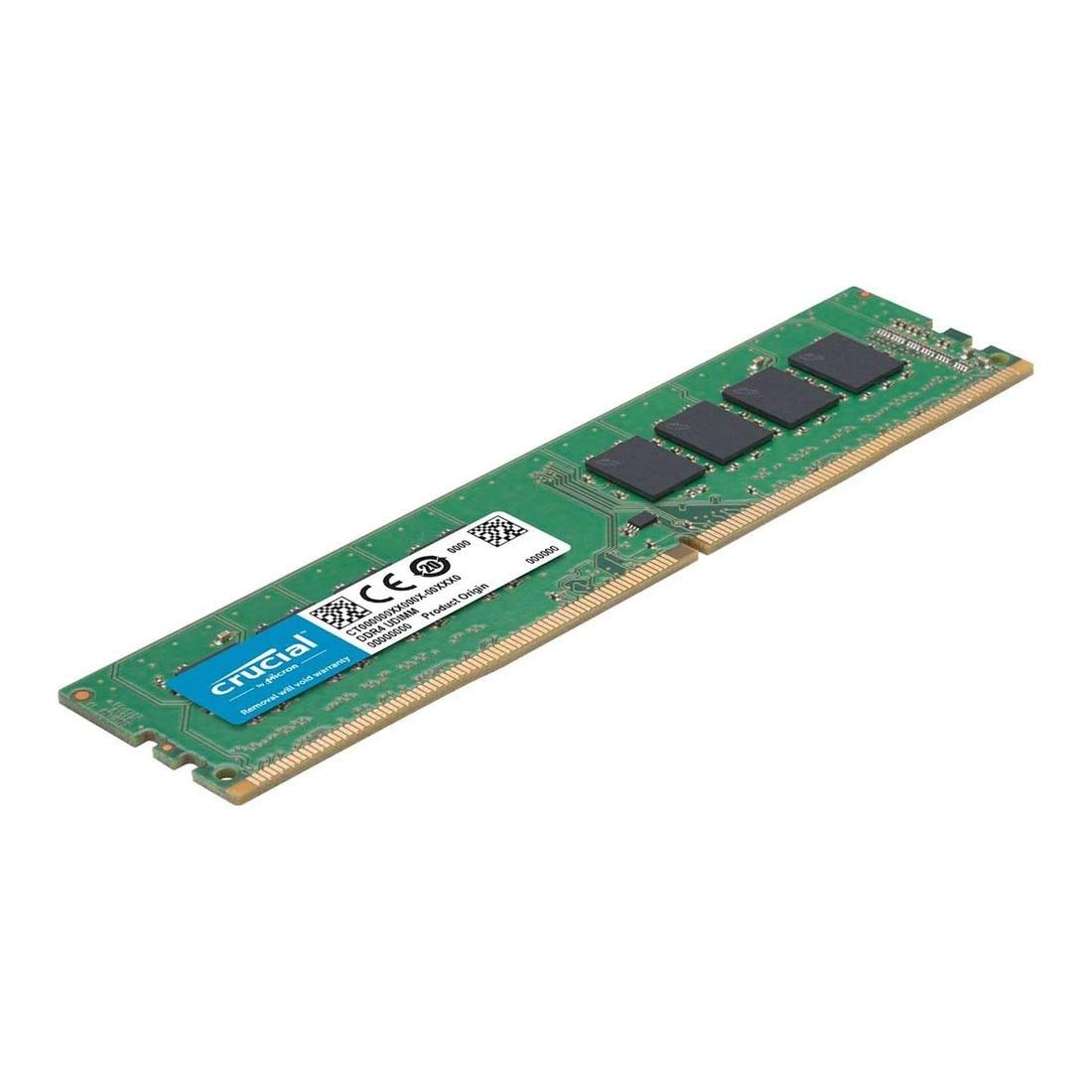
Crucial Basics 16GB DDR4 2666MHz: Cheapest RAM Upgrade
If you are still running an older DDR4 computer and just need to hit 16GB without spending a lot of money, this is genuinely the cheapest legit option I found on Amazon.in right now. It is about as basic as RAM gets. No RGB lighting, no fancy heat spreader, just a solid stick made by Micron that does its job. I would not recommend this one if you have a second empty slot in your motherboard, because running two sticks together (called dual channel) gives you a real speed boost for not much more money, like the G.Skill kit at #2. But if price is the only thing that matters to you right now, this is where I would start.
- 16GB (1x16GB) DDR4
- 2666MHz CL19
- Cheapest legit RAM you can buy on Amazon.in right now, even with the shortage pushing prices up everywhere else
- Reliable name brand (Micron), so you are not gambling on some random no name stick
- Only DDR4, so it will not work if you have already upgraded to a newer Intel or AMD DDR5 motherboard
- Single stick, meaning you are running in slower single channel mode until you add a second one
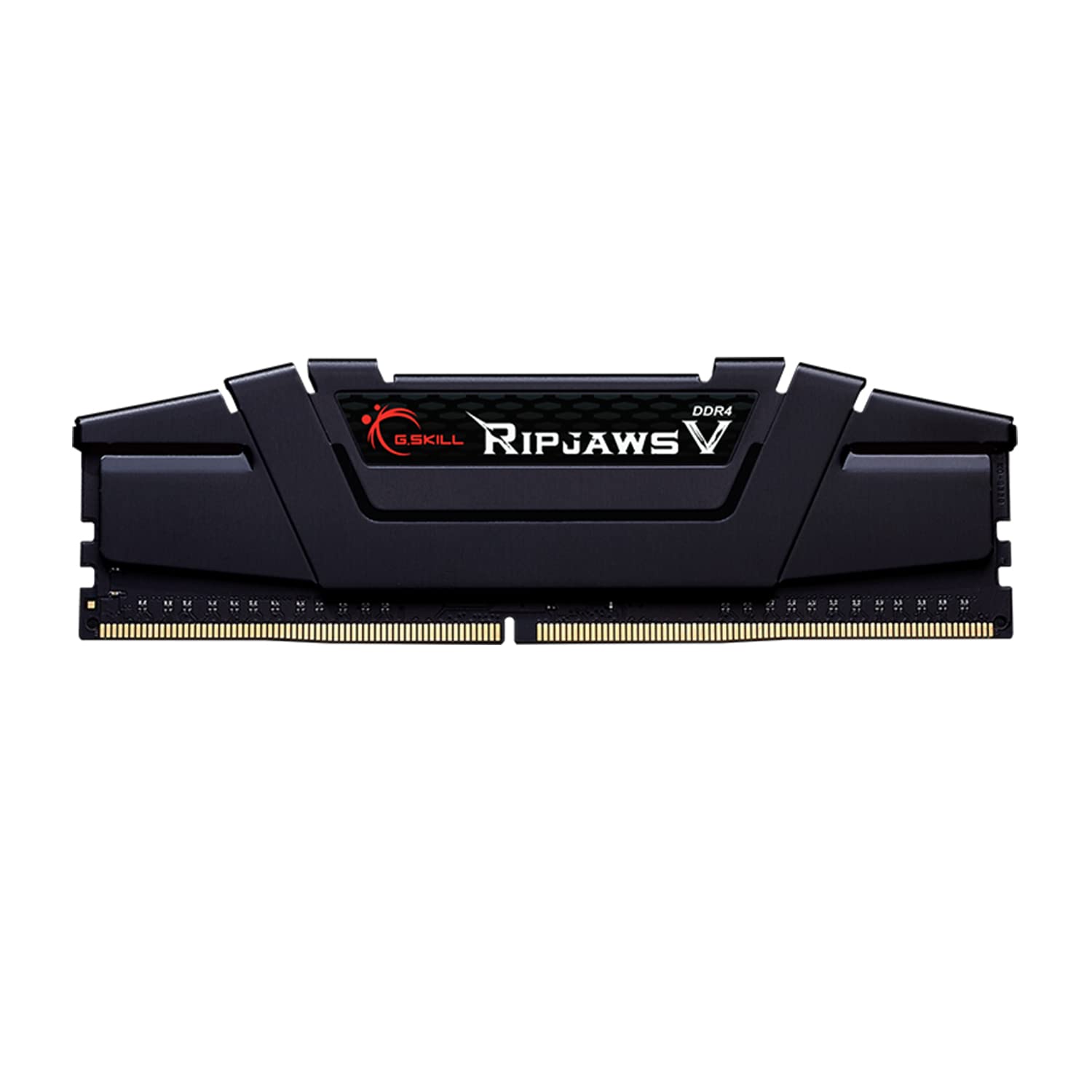
G.Skill Ripjaws V 16GB DDR4 3600MHz CL18: Best Budget DDR4 Stick
This is the natural step up from the Crucial stick at #1. For about two thousand rupees more, you get a noticeably faster 3600MHz speed instead of 2666MHz, which actually matters if you are gaming or doing anything demanding on your CPU. It still uses the older DDR4 standard, so make sure your motherboard supports that before buying. Turning on the XMP profile in your BIOS gets you running at the full rated speed with one click, no manual tuning needed. If you are building a fresh dual channel setup though, the Corsair kit at #4 already comes as a matched pair and might make more sense than buying two of these separately.
- 16GB (1x16GB) DDR4
- 3600MHz CL18
- Meaningfully faster than the Crucial stick at #1 for only a small price difference
- One click XMP support gets you running at full speed without digging into BIOS settings
- Still just a single stick, so you will want a second one for dual channel performance
- No RGB lighting, which is fine for most builds but worth knowing upfront
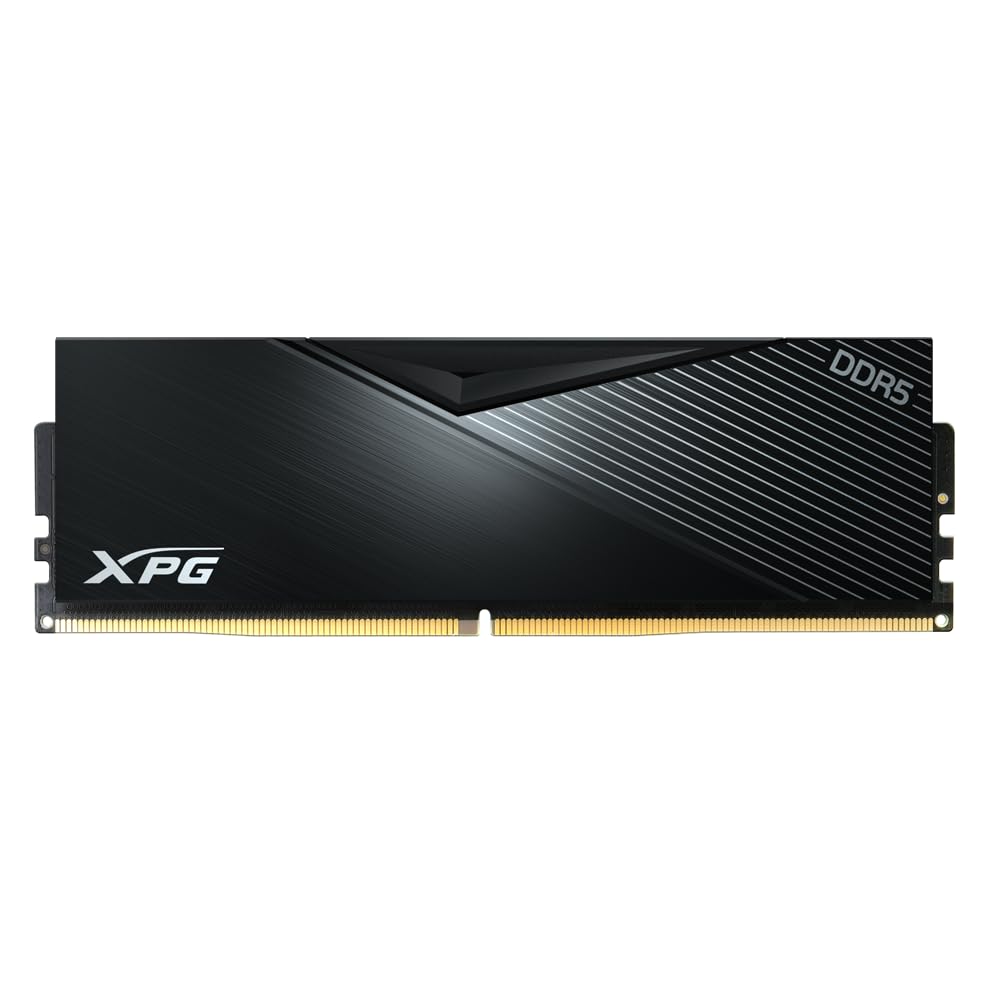
ADATA XPG Lancer 16GB DDR5 5600MHz CL46: Cheapest DDR5 Entry
If you just built a new computer with a DDR5 motherboard (think 12th generation Intel or AMD's newer AM5 platform) and only need 16GB to get started, this is the cheapest real DDR5 option I found on Amazon.in right now. It will not beat the faster 6000MHz kits further down this list in benchmarks, but it will run your system just fine while you save up for more memory later. Think of it as a stepping stone rather than your final upgrade. Since it is DDR5, it will not work in an older DDR4 motherboard like the ones used by the Crucial and G.Skill sticks at #1 and #2.
- 16GB (1x16GB) DDR5
- 5600MHz CL46
- Cheapest way onto DDR5 on this whole list, even with the shortage pushing prices up
- Single stick keeps the price low if 16GB is genuinely all you need right now
- Only 16GB and single channel, so you will feel the limit if you run demanding games or multitask heavily
- CL46 timings are looser than the faster kits further down this list, so it is not built for maximum performance
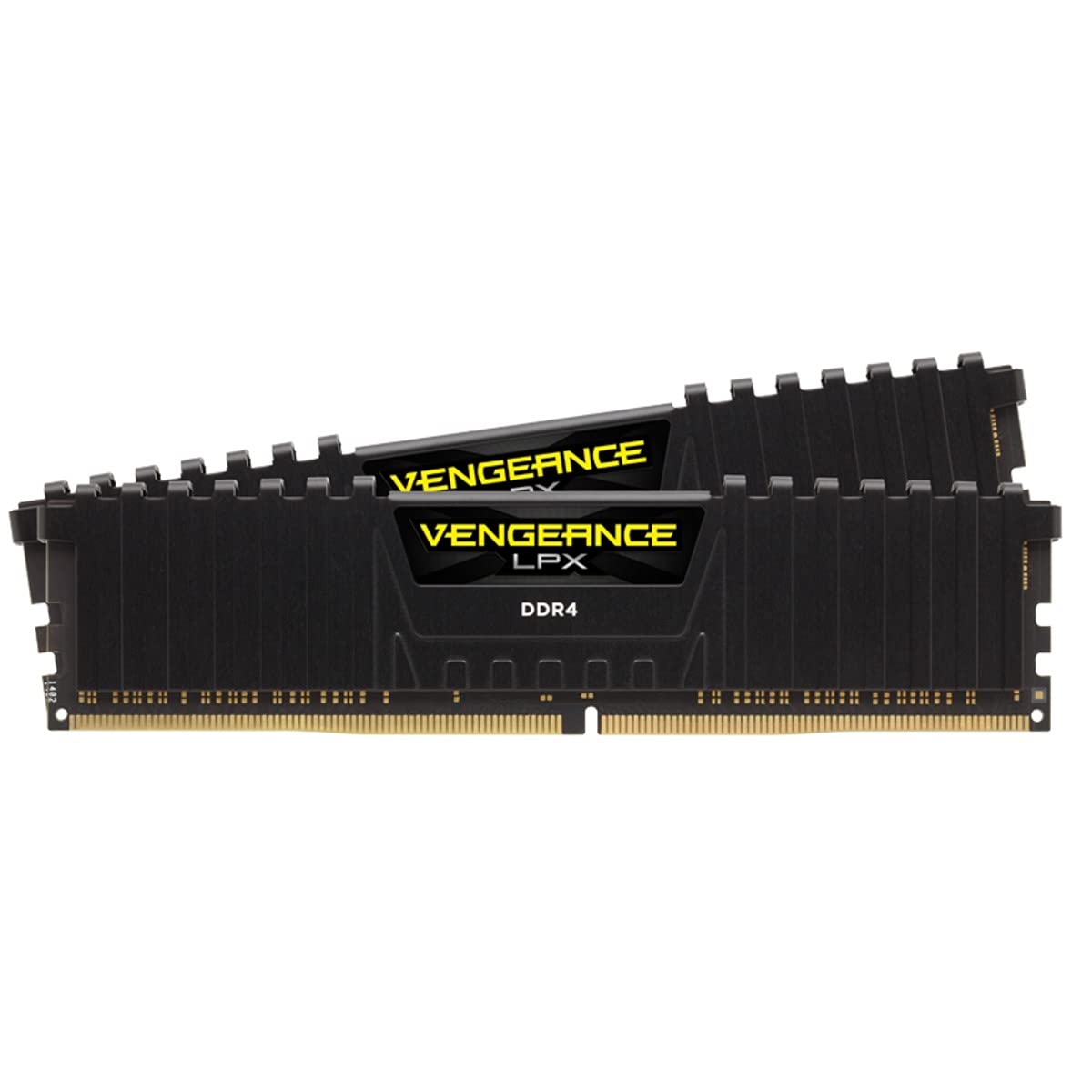
Corsair Vengeance LPX 16GB (2x8GB) DDR4 3200MHz CL16: Best DDR4 Dual Channel Kit
This is where dual channel starts to make real sense. You get two 8GB sticks running together at 3200MHz, which is the sweet spot most DDR4 gaming builds are tuned around. Corsair's LPX heat spreader is low profile too, so it will fit under almost any CPU cooler without clearance issues. Compared to buying two of the G.Skill sticks at #2 separately, this kit already comes matched and tested to work together out of the box, which takes some guesswork out of building your PC.
- 16GB (2x8GB) DDR4
- 3200MHz CL16
- Matched dual channel kit that just works, no need to buy two separate sticks and hope they play nice together
- Low profile design fits under most CPU coolers without any clearance problems
- Still DDR4, so it will not work if you are building on a newer DDR5 platform
- 3200MHz is solid but noticeably behind the DDR5 speeds later in this list
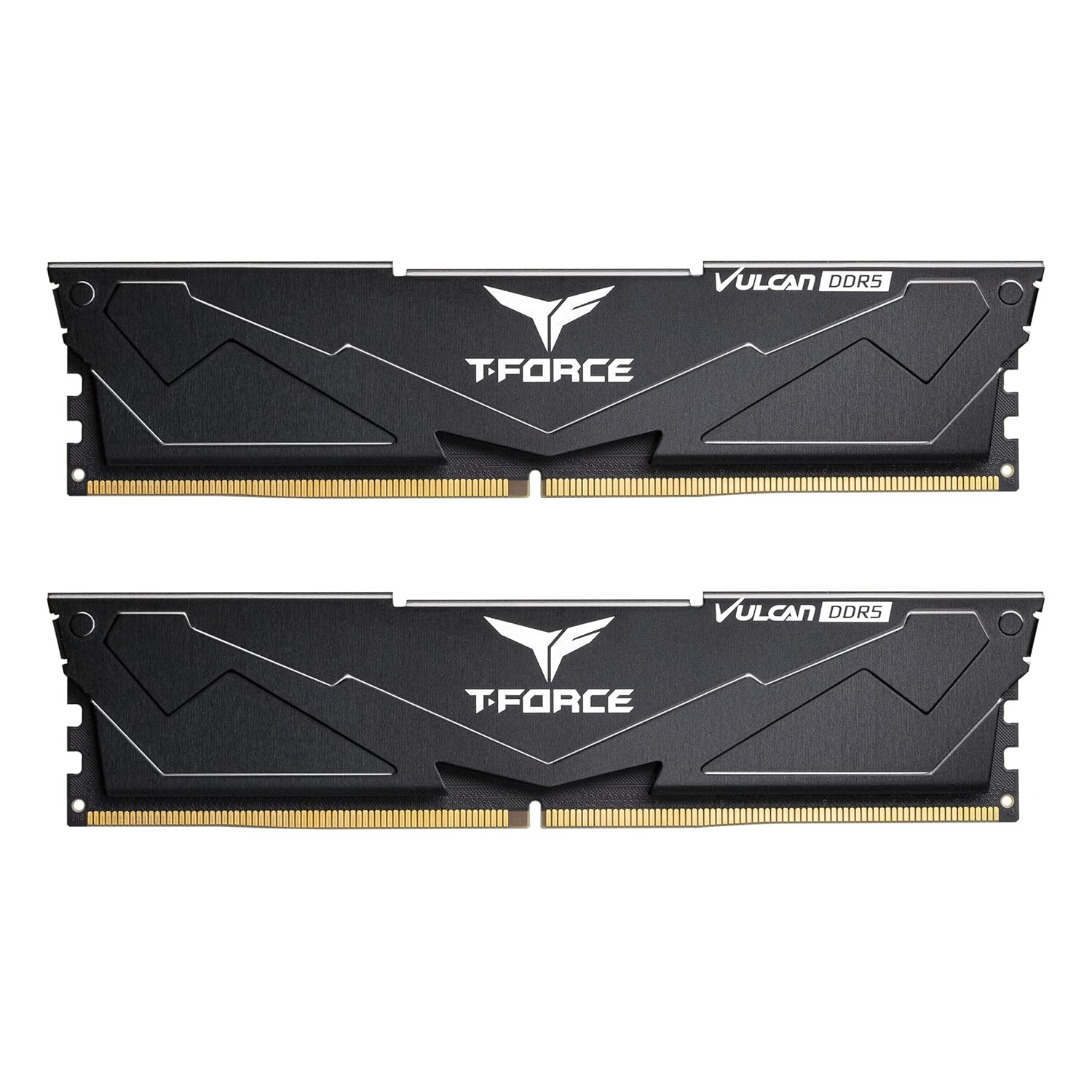
TeamGroup T-Force Vulcan DDR5 16GB (2x8GB) 5200MHz CL40: Budget DDR5 Dual Channel
This is the jump into DDR5 dual channel territory, and the price increase from the DDR4 kits above shows just how hard the shortage has hit newer memory. You get two 8GB sticks running at 5200MHz, which is a healthy speed for gaming on a fresh Intel or AMD build. TeamGroup's heat spreader is understated and simple, without the RGB and premium styling you will see on the pricier kits further down. If your motherboard supports faster speeds, the Kingston kit at #7 is worth comparing since it costs a bit more but runs quicker.
- 16GB (2x8GB) DDR5
- 5200MHz CL40
- Genuine dual channel DDR5 kit at a price that has not spiked as badly as some of the flashier options
- Simple, understated look that fits builds where RGB is not the priority
- 5200MHz is on the lower end for DDR5, so faster kits like the ones at #6 and #7 will outperform it
- No RGB, which some buyers specifically want for a windowed case
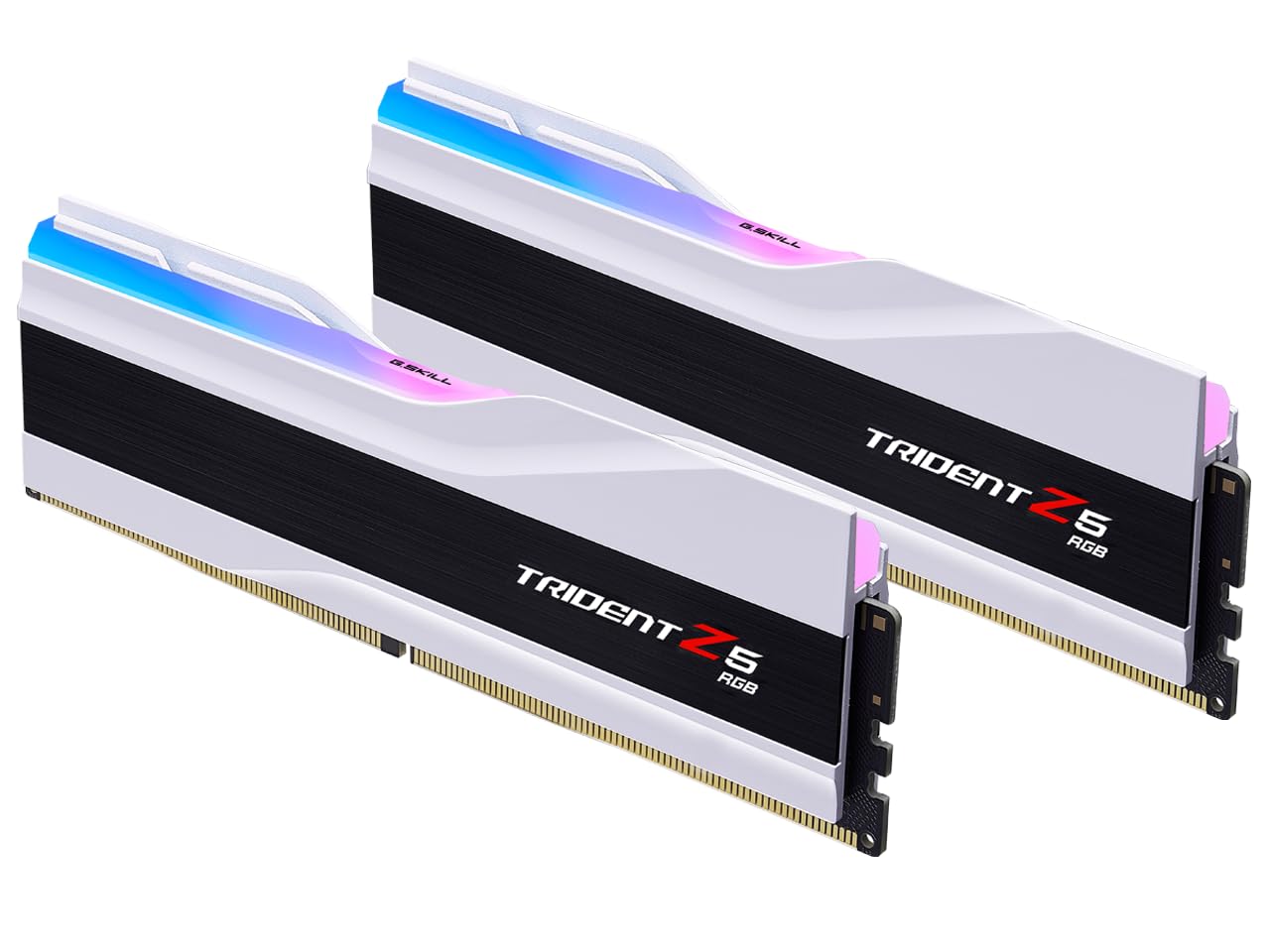
G.Skill Trident Z5 RGB 32GB (2x16GB) DDR5 6000MHz CL36: Best Overall RAM for Gaming
This is the kit I would point most people toward first, and it is not a close call. 6000MHz at CL36 is the speed and timing combination that pretty much every serious PC building guide recommends right now, whether you are on Intel or AMD. G.Skill is charging noticeably less for it than very similar kits like the Kingston Fury Beast Black at #9 or the Corsair Vengeance RGB at #10, which is why it earns the Best Overall pick here. The RGB lighting bar looks genuinely great through a windowed case, and you can choose the Intel XMP or AMD EXPO version depending on your platform. One thing to know: stock is tight because of the shortage, so if this is in your budget, do not wait too long to grab it.
- 32GB (2x16GB) DDR5
- 6000MHz CL36
- Hits the ideal 6000MHz and CL36 combination for noticeably less money than very similar kits at #9 and #10
- Available in both Intel XMP and AMD EXPO versions, with RGB lighting that looks great in a windowed case
- Stock has been genuinely tight during the shortage, so availability can be hit or miss
- Taller heat spreader may not fit under some large air coolers, so check clearance first
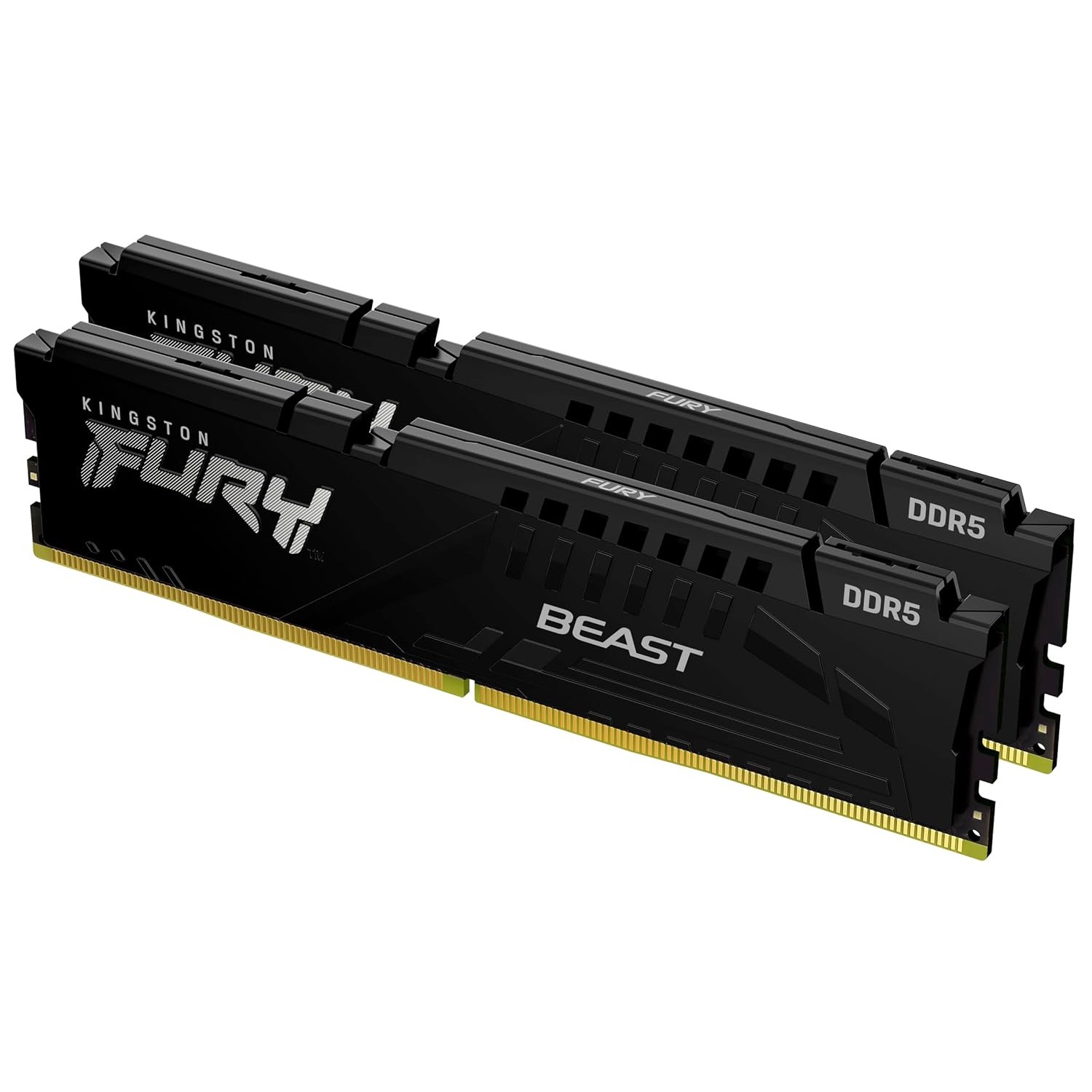
Kingston Fury Beast 16GB (2x8GB) DDR5 5600MHz CL36: Reliable Mid Range DDR5
Kingston's Fury Beast line has a reputation for being reliable without asking you to pay extra for RGB you might not even want. This kit gives you 5600MHz across two 8GB sticks, a solid speed for most gaming and everyday use on a DDR5 build. It sits just above the TeamGroup kit at #5 in price, and the extra speed plus Kingston's more established name are the main reasons to pick this over that one. If you want more total memory at a similar price point though, the Crucial Pro 32GB kit at #8 is worth a look too.
- 16GB (2x8GB) DDR5
- 5600MHz CL36
- Reliable, well known brand without the extra cost of RGB lighting you may not need
- 5600MHz is a solid, dependable speed for gaming and daily use on a DDR5 platform
- Only 16GB total, so heavy multitaskers may want to look at the 32GB options later in this list
- Costs more than the TeamGroup kit at #5 for a similar overall specification
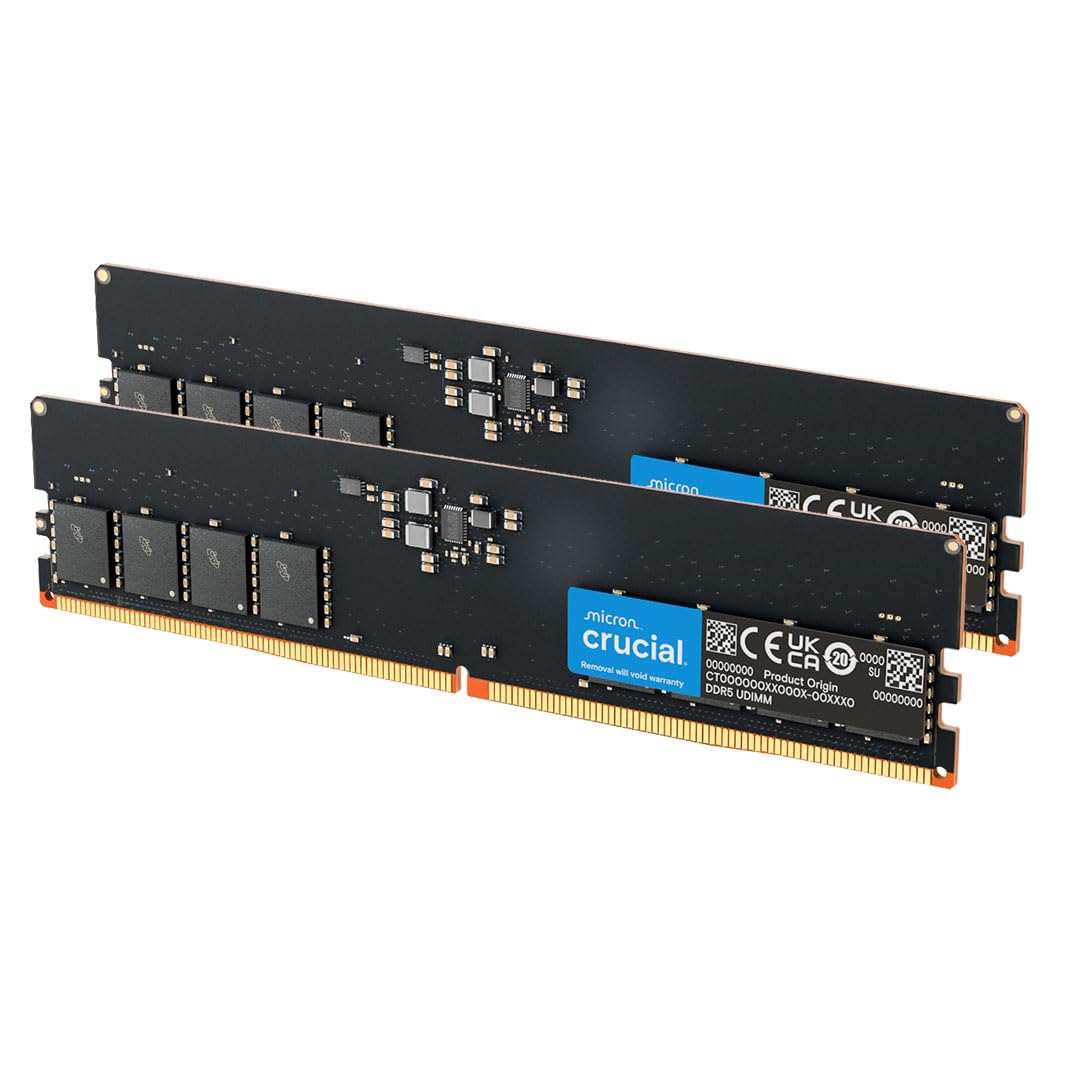
Crucial Pro 32GB (2x16GB) DDR5 5600MHz: Best Value 32GB Kit
If you want a full 32GB of memory without paying extra for RGB lighting or flashy branding, this is a strong, no nonsense option. Crucial (owned by Micron, one of the few companies actually making the memory chips) has a long history of reliability, and 5600MHz is a solid speed for gaming, streaming, or running multiple heavy programs at once. Compared to the Kingston Fury Beast Black RGB at #9, you are paying less and getting a similar amount of memory, just without the lighting effects. This is the pick for anyone who wants performance and capacity first, and does not care how the RAM looks inside their case.
- 32GB (2x16GB) DDR5
- 5600MHz CL46
- Full 32GB of memory from Micron, one of the actual manufacturers of the memory chips themselves
- Costs meaningfully less than the RGB kits at #9 and #10 for similar overall performance
- No RGB lighting, which will matter if you specifically want a lit up build
- 5600MHz is good but not the fastest DDR5 speed available on this list
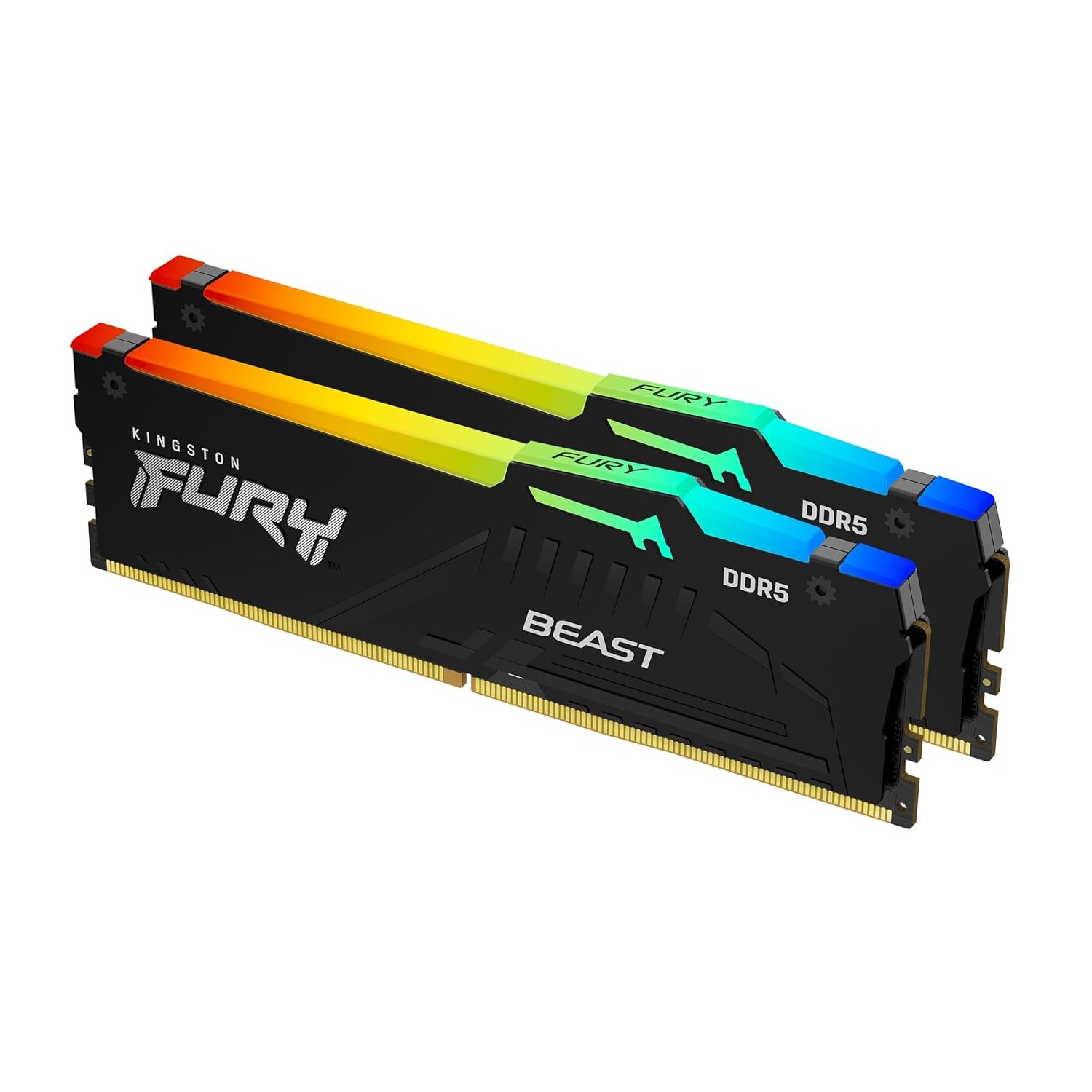
Kingston Fury Beast Black RGB 32GB (2x16GB) DDR5 6000MHz CL30: Best RGB Performance Kit
This is where things get serious. 32GB at 6000MHz with tight CL30 timings puts this kit near the top of what you can realistically run on most consumer motherboards today, and the RGB lighting is genuinely well done rather than an afterthought. It costs a bit more than the Crucial Pro kit at #8, but you are getting a real speed and timing upgrade along with the lighting, not just a cosmetic difference. Compared to the Corsair Vengeance RGB at #10, the main difference comes down to look and brand preference, since the core specifications are extremely close.
- 32GB (2x16GB) DDR5
- 6000MHz CL30
- Tight CL30 timings at 6000MHz make this genuinely fast, not just fast on paper
- RGB lighting is well implemented and looks good even outside of a windowed case
- Meaningfully pricier than the Crucial Pro kit at #8 for a similar total memory amount
- CL30 kits like this one are among the first to sell out during a shortage like the current one
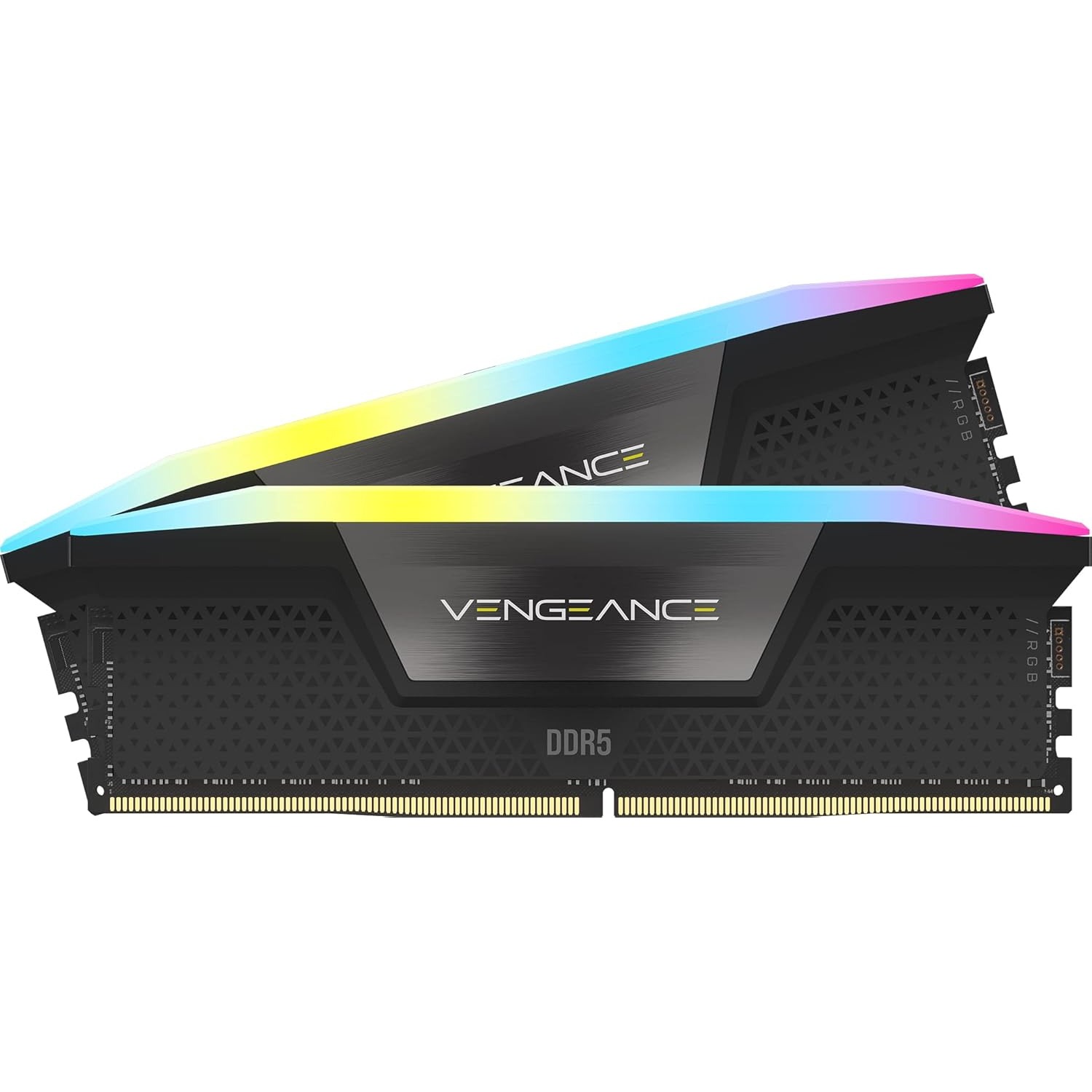
Corsair Vengeance RGB 32GB (2x16GB) DDR5 6000MHz CL30: Premium RGB Flagship
This is the flagship pick on this list, and the price tag reflects that. You get the same 32GB, 6000MHz, CL30 specification as the Kingston kit at #9, but wrapped in Corsair's well known Vengeance RGB design with software control through their iCUE app if you want to sync lighting across your whole build. If you already own other Corsair RGB parts, like a case fan or cooler, this is the easy choice since everything will sync together automatically. If you do not care about that ecosystem, the Kingston kit at #9 gets you nearly identical performance for a bit less money.
- 32GB (2x16GB) DDR5
- 6000MHz CL30
- Same top tier 6000MHz CL30 specification as the Kingston kit at #9, with Corsair's iCUE software for lighting control
- Great pick if you already use Corsair fans, coolers, or other RGB parts you want to sync together
- Costs more than the nearly identical Kingston kit at #9 mainly for the Corsair name and software
- You will want Corsair's iCUE software installed to get full control of the lighting, which is one more program running in the background