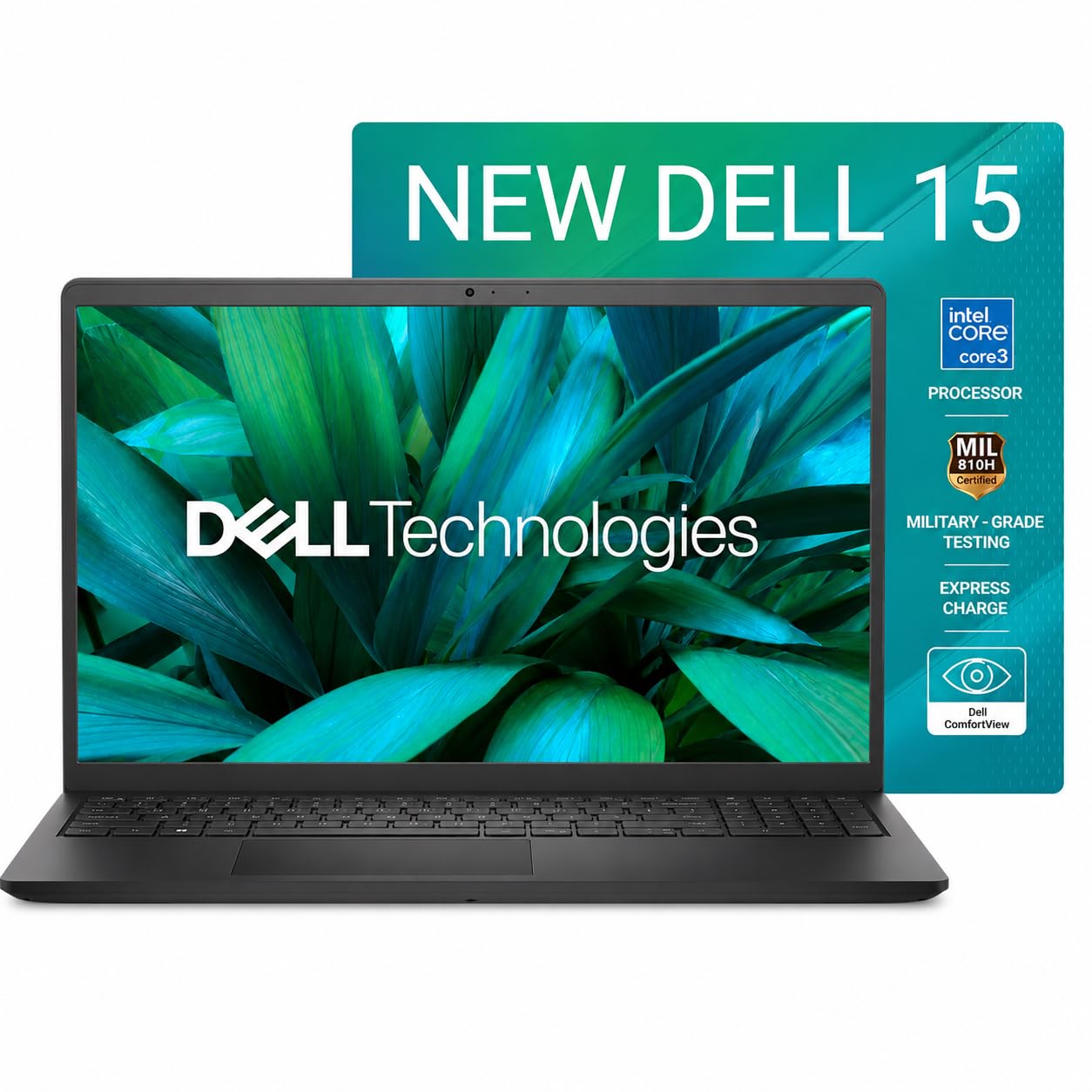
Dell 15 (Core i3-N305 / Core 3 100U, 16GB RAM, 512GB SSD, 120Hz) — Best Overall
This is the one I'd point most students and remote workers to first. 16GB of RAM is genuinely future-proof for years of browser tabs, spreadsheets and video calls, the 512GB SSD leaves room for actual files, and the 120Hz screen makes everyday scrolling and typing feel noticeably smoother than the usual 60Hz laptop panel. At under ₹55,000 with 1,131 buyer ratings behind it, this isn't a gamble — it's a proven, well-reviewed all-rounder for work and study.
- 16GB RAM, 512GB SSD
- 120Hz FHD display
- 16GB RAM handles heavy multitasking with ease
- 1,131 ratings — a genuinely proven pick
- Integrated graphics only, no gaming
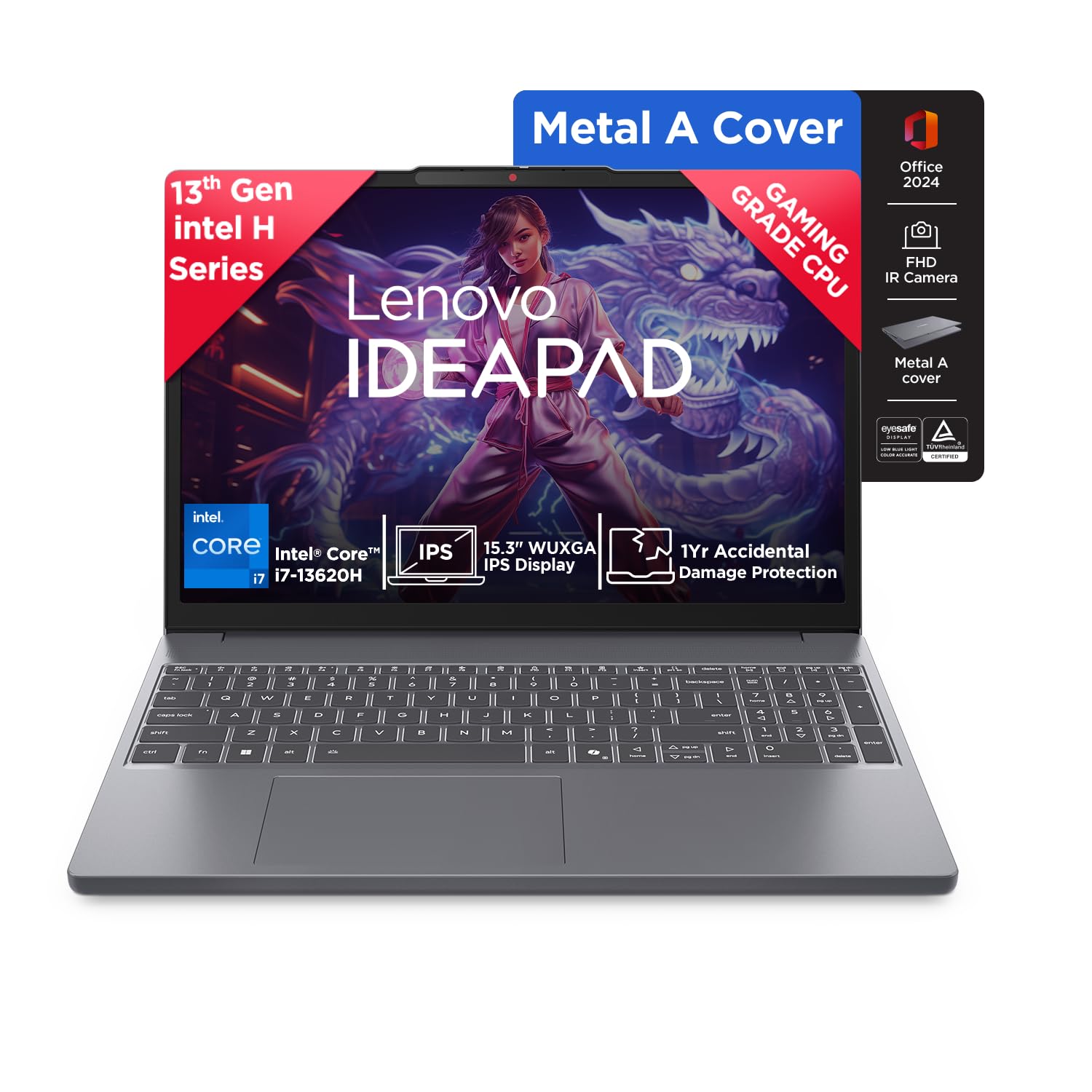
Lenovo IdeaPad Slim 3 (Core i7-13620H, 16GB RAM, 512GB SSD) — Best Balanced Performance
If your work involves anything heavier than browser tabs — light photo editing, coding, large spreadsheets with macros — the 13th-gen Core i7 in this IdeaPad gives you real headroom the entry-level chips can't match. 16GB RAM and a 512GB SSD round it out nicely, and Lenovo's build quality at this price point has consistently earned it a loyal following among students and freelancers. Stock has been tight on this exact configuration during the sale, so it's worth grabbing early if it fits your budget.
- Core i7-13620H, 16GB/512GB
- Full-size backlit keyboard
- 13th-gen i7 handles demanding work tasks comfortably
- Strong build quality for the price
- Stock has been limited during the sale
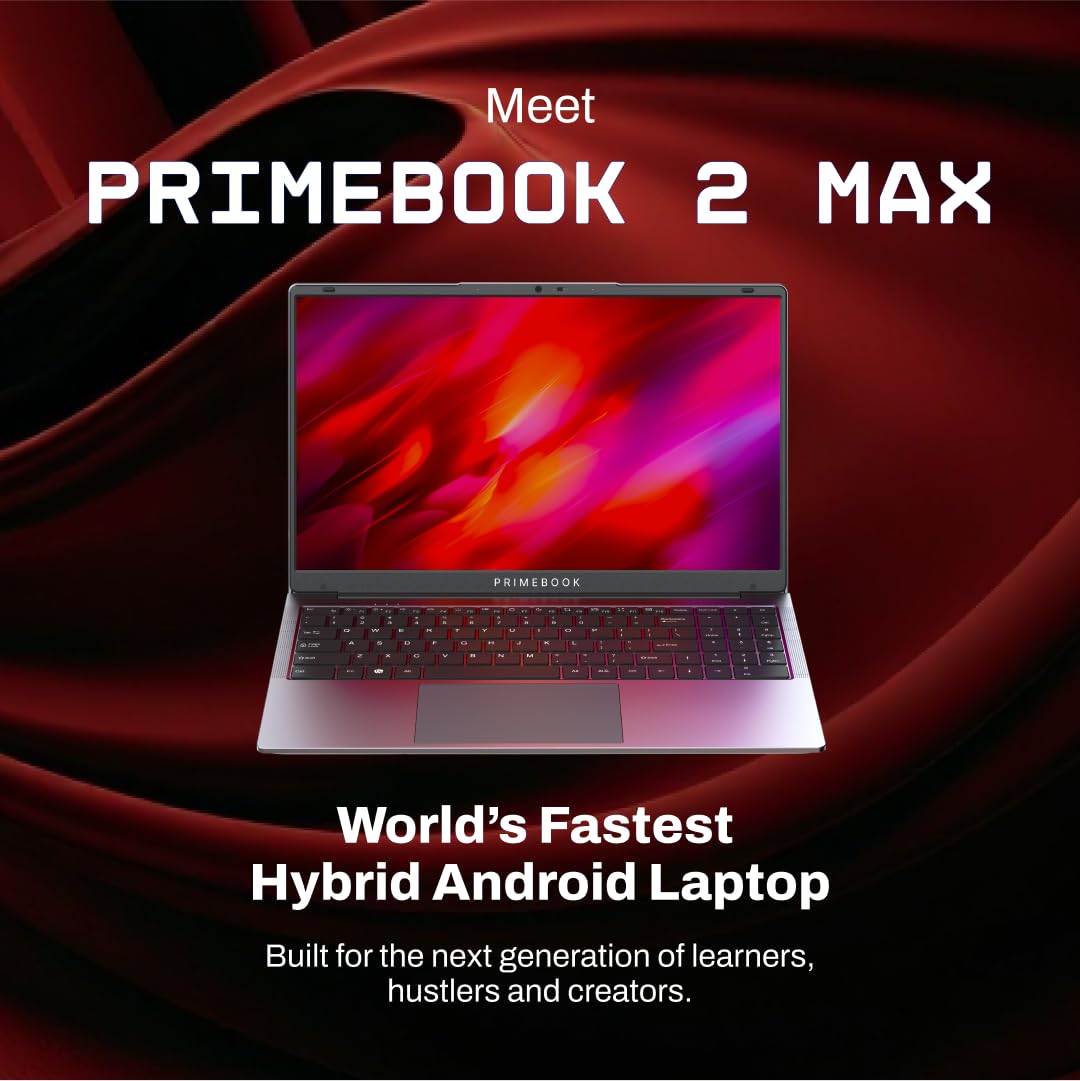
Primebook 2 Max (8GB RAM, 256GB Storage, PrimeOS) — Best Ultra-Budget Pick
For pure browser-based study — Google Docs, Zoom classes, research, email — the Primebook 2 Max undercuts every Windows laptop on this list by a wide margin. It runs PrimeOS, an Android-based, Chromebook-style interface built specifically for lightweight study use, and at under ₹32,000 it's the cheapest legitimate way onto this list. It's not a Windows replacement for software-heavy coursework, but for a student who mostly needs a screen and keyboard for online classes, it's hard to beat on price.
- 8GB RAM, 256GB storage
- PrimeOS (Android-based)
- Lowest price on this list by a wide margin
- Light, portable, long battery life for browsing
- Not a full Windows replacement — no heavy desktop software
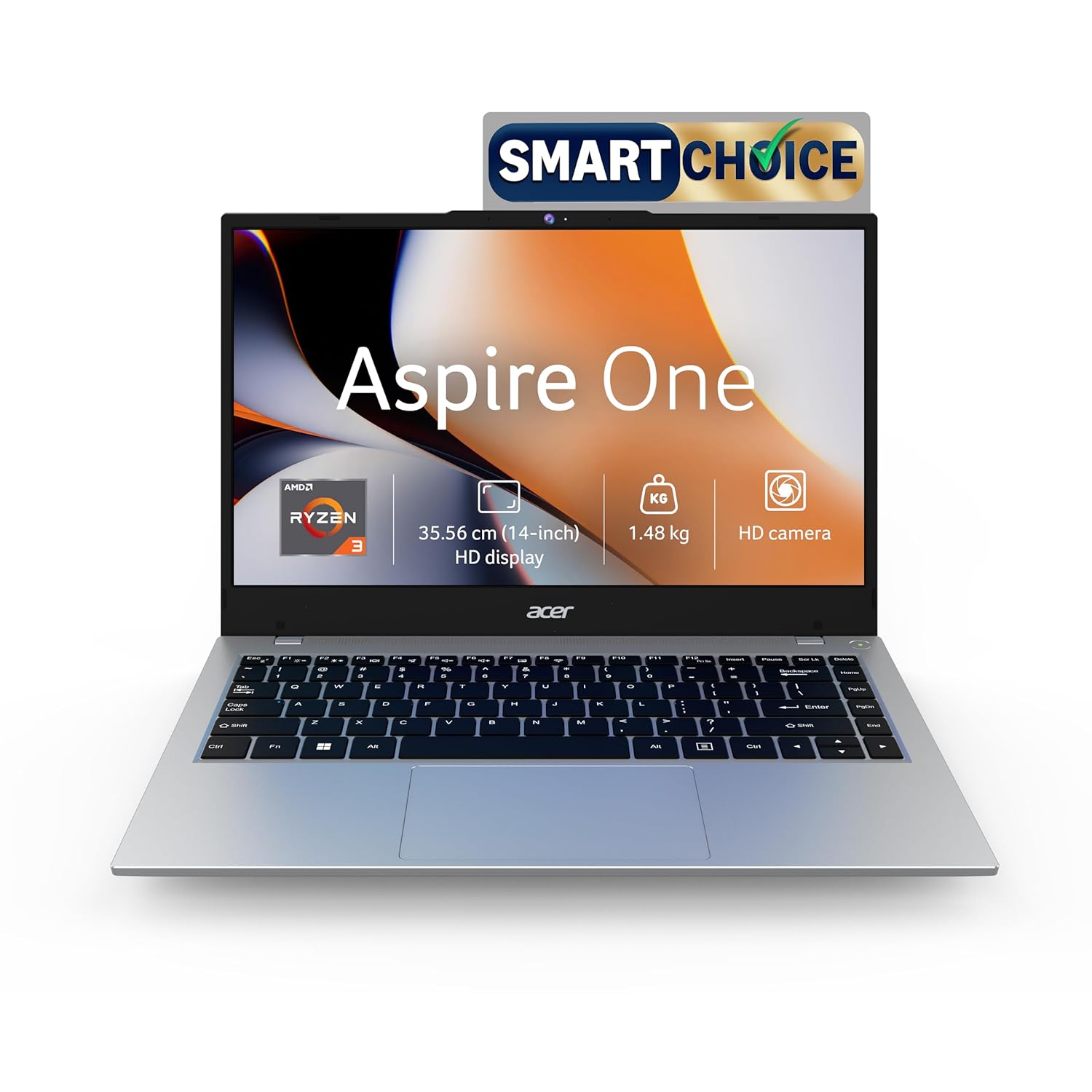
Acer Aspire One (Ryzen 3, 8GB RAM, 256GB SSD)
A genuine Windows laptop for well under ₹40,000 — the Aspire One pairs a Ryzen 3 chip with 8GB RAM and a 256GB SSD, enough for full Microsoft Office, browser-heavy research, and everyday coursework without PrimeOS's compromises. It won't win any speed records, but for a student who needs real Windows software occasionally and wants to keep costs down, it's a sensible middle ground between the Primebook and the pricier options above.
- Ryzen 3, 8GB RAM
- 256GB SSD
- Full Windows 11 at a budget price
- SSD keeps everyday tasks feeling responsive
- 8GB RAM is the minimum for comfortable multitasking
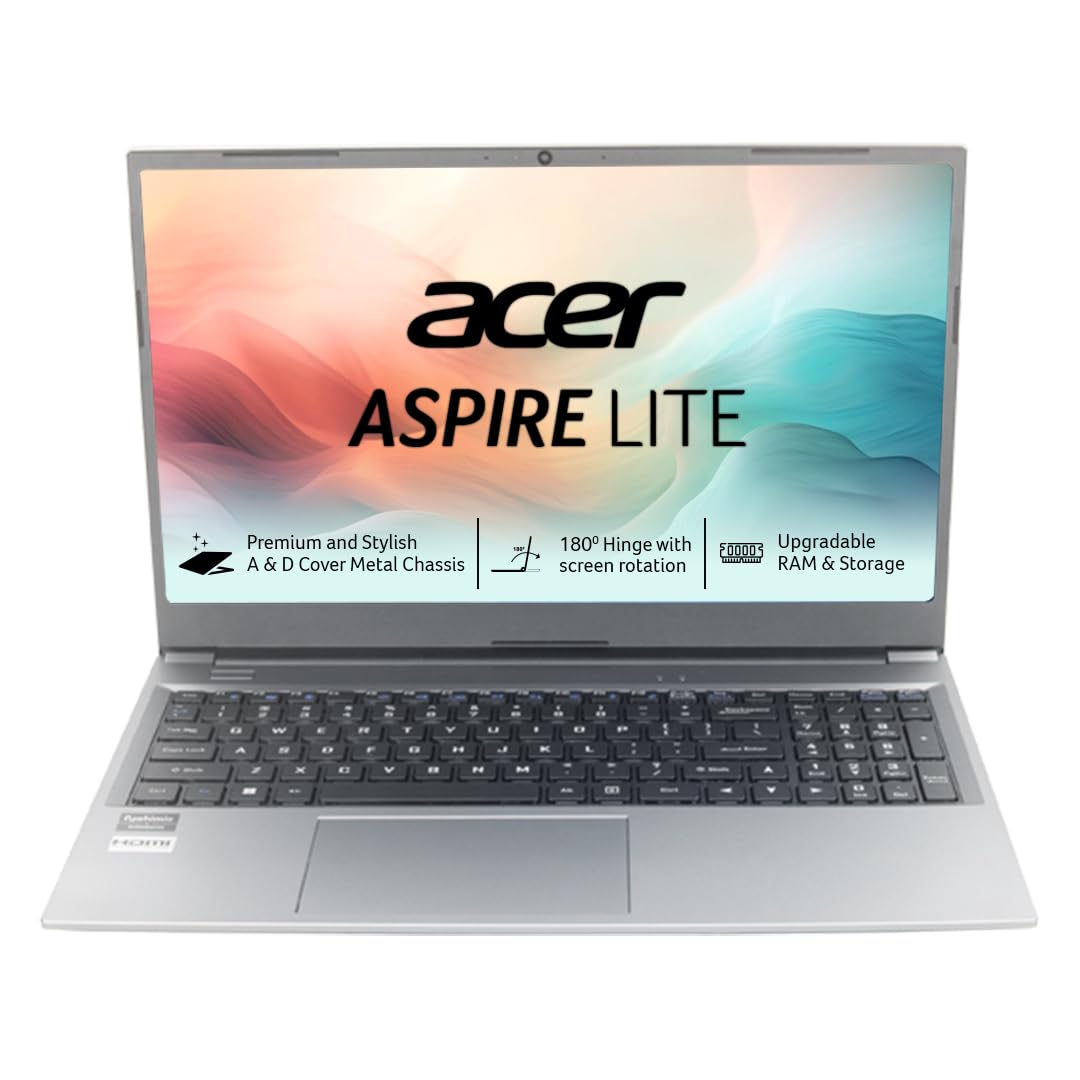
Acer Aspire Lite (Ryzen 3-7330U, 8GB RAM, 256GB SSD, Metal Body)
A step up in build quality from the standard Aspire One — this Lite variant gets a metal chassis that feels sturdier for daily backpack use, plus a newer Ryzen 3-7330U chip. If you want something that looks and feels a little more premium for meetings or campus use without spending Core i5 money, this is the pick. Same 8GB/256GB configuration as its sibling, just wrapped in nicer hardware.
- Ryzen 3-7330U, 8GB/256GB
- Metal body construction
- Metal build feels sturdier than typical budget plastics
- Newer-generation Ryzen chip
- Same 8GB RAM ceiling as cheaper options
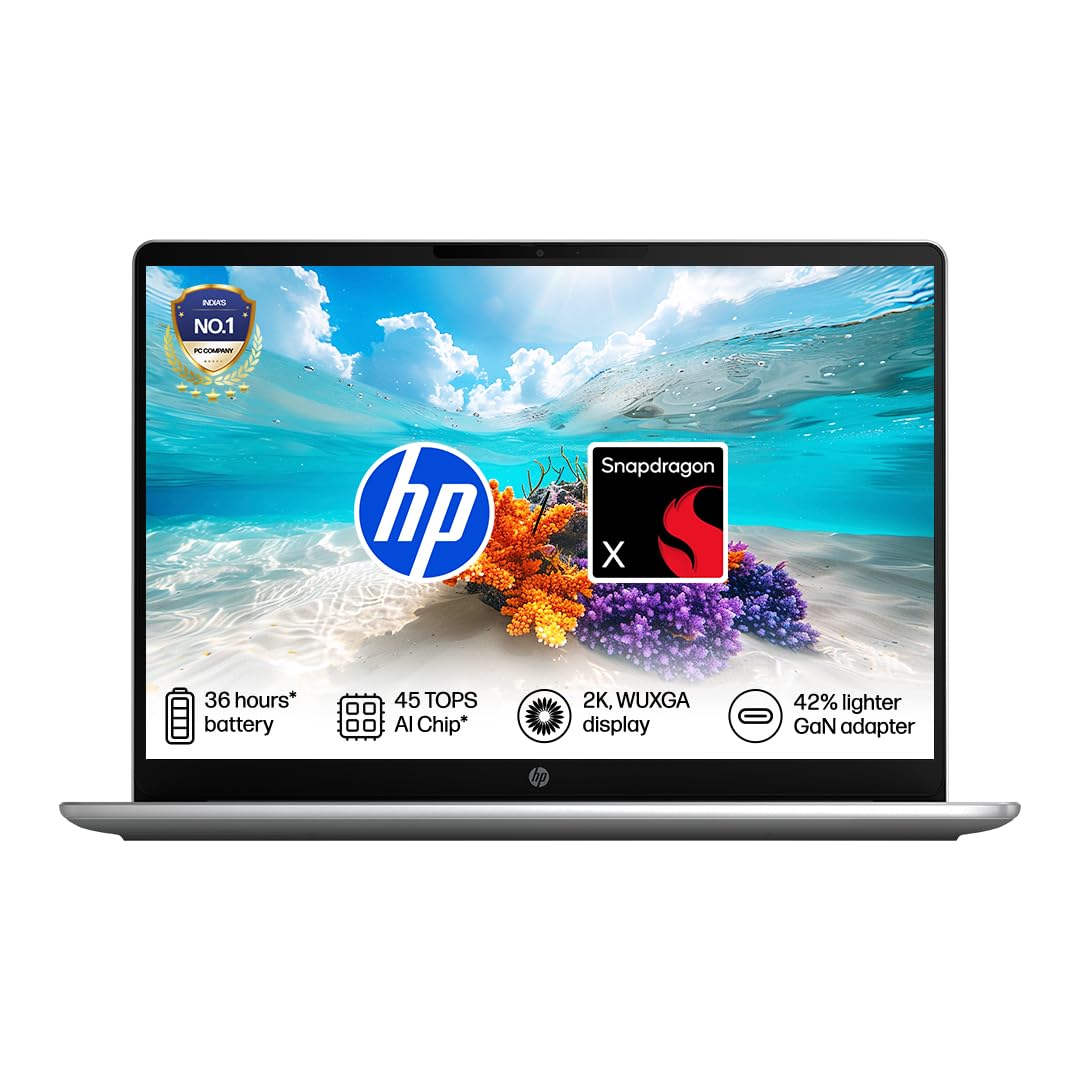
HP OmniBook 3 (Snapdragon X, AI PC, 16GB RAM, 512GB SSD)
HP's ARM-based OmniBook 3 is built around Qualcomm's Snapdragon X chip, which trades raw compatibility for excellent battery life and always-on efficiency — genuinely useful if you're carrying this between classes or meetings all day without a charger. 16GB RAM and a 512GB SSD are generous at this price during the sale. The trade-off is that some older Windows software isn't fully optimized for ARM yet, so it's worth checking compatibility for any specialized apps you rely on.
- Snapdragon X, 16GB/512GB
- All-day battery life (ARM efficiency)
- Excellent battery life from the ARM chip
- 16GB RAM and 512GB SSD at this price is generous
- Some older Windows apps aren't fully ARM-optimized
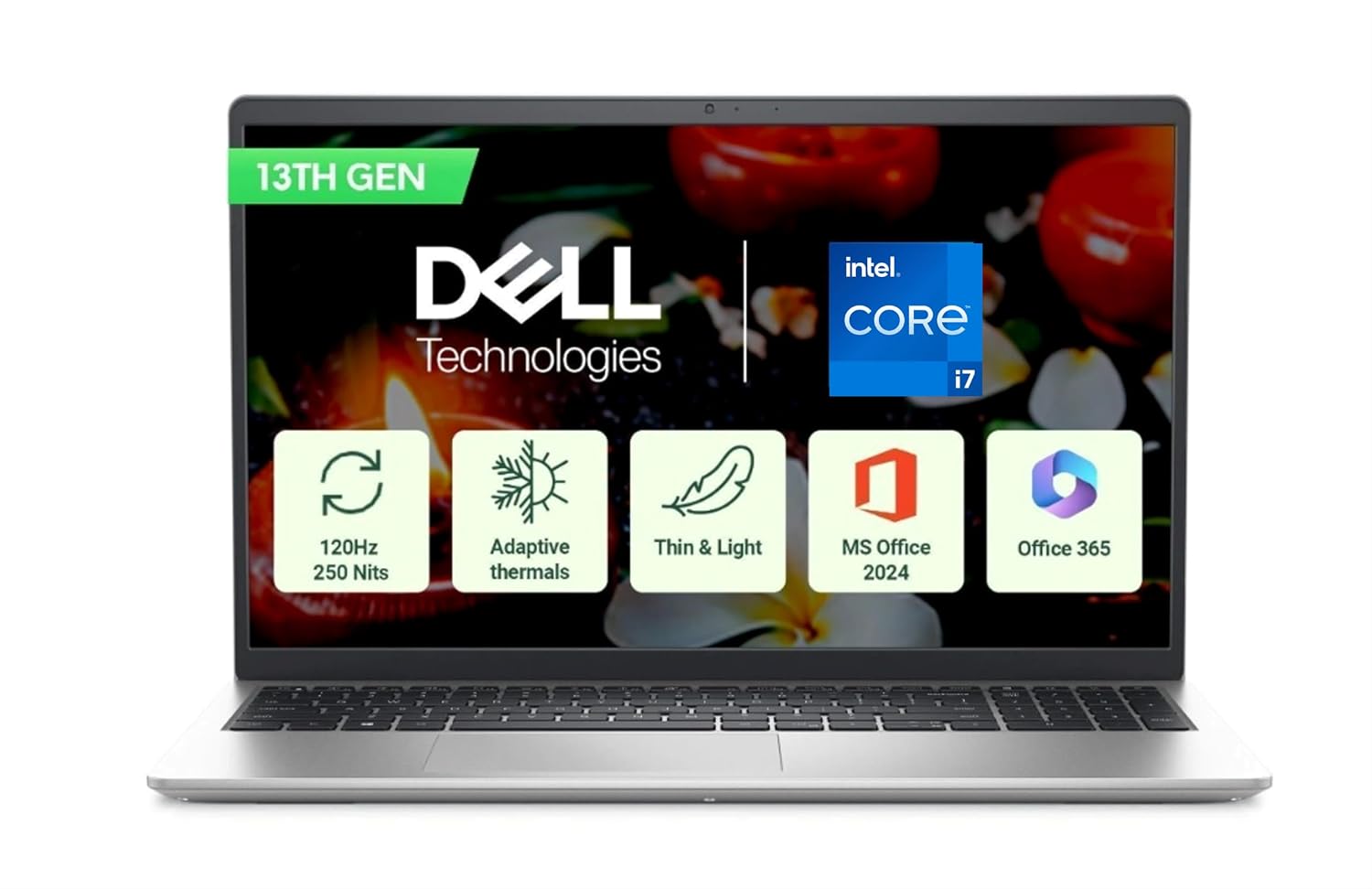
Dell 15 (Core i7-1355U, 16GB RAM, 512GB SSD)
If the entry-level Dell above covers the basics but you want more sustained performance for things like video calls running alongside heavy spreadsheets or light coding work, this i7-1355U variant is the same trusted chassis with a meaningfully faster processor. It's priced closer to the middle of this list, positioned for buyers who've outgrown i3-class chips but don't need the raw horsepower (or price) of a workstation laptop.
- Core i7-1355U, 16GB/512GB
- Same reliable Dell 15 chassis
- Noticeably faster than the i3 variant for multitasking
- 512GB SSD gives plenty of storage headroom
- Costs meaningfully more than the i3 configuration

Apple MacBook Neo 13-inch (A18 Pro Chip, 8GB RAM, 256GB Storage) — Highest Rated
The only Apple option on this list, and it carries the best owner rating of any laptop here at 4.9 stars. The A18 Pro chip is efficient and quick for everyday work — writing, research, video calls, light editing — and macOS's polish and battery efficiency are hard to match at this price point for anyone already invested in the Apple ecosystem (iPhone, iCloud, AirDrop). 8GB RAM and 256GB storage are modest by Windows standards, but Apple's memory management tends to make it feel less constrained in daily use than the numbers suggest.
- Apple A18 Pro chip, 8GB/256GB
- macOS, best owner rating on this list (4.9★)
- Best owner rating of any laptop on this list
- Excellent battery life and build quality
- 8GB RAM / 256GB storage is modest for the price