If you have shopped for a gaming monitor recently, you have probably run into four letters thrown around constantly: OLED, and its LCD based rivals TN, VA and IPS. They are not just marketing terms, they describe genuinely different ways of putting an image on screen, and the differences show up directly in how games look and feel to play. I want to walk through what actually separates OLED from the LCD panel types before recommending anything, because understanding why OLED wins will help you decide if it is worth the jump for your setup. Then I will get into the five OLED gaming monitors I would actually point people toward in India right now.
What Makes OLED Different
Every LCD panel, whether it is TN, VA or IPS, works the same basic way: a backlight shines through a layer of liquid crystals that twist to block or let through light, pixel by pixel. OLED throws that whole approach out. Each pixel on an OLED panel produces its own light, and when a pixel needs to show black, it just turns off completely. That single difference is why OLED delivers a genuinely infinite contrast ratio, true blacks with zero light bleed, and response times around 0.03 milliseconds, several times faster than even the quickest LCD panels. It is also why viewing angles are excellent from every direction, since there is no backlight geometry to fight against.
OLED vs TN, VA and IPS Panels
TN panels are the cheapest and were historically the fastest LCD option, but colors wash out and viewing angles are narrow.
VA panels pack the deepest LCD contrast, but fast moving dark objects can smear because the pixels are slow to shift.
IPS panels are the gaming mainstream, with strong colors and wide angles, but blacks stay slightly grey since the backlight cannot fully turn off.
| Aspect | OLED | TN | VA | IPS |
|---|---|---|---|---|
| Ultra fast response time | ✓ | ✓ | ✗ | ✓ |
| Accurate, vivid colors | ✓ | ✗ | ✓ | ✓ |
| Wide viewing angles | ✓ | ✗ | ✗ | ✓ |
| True blacks, no smearing or blooming | ✓ | ✗ | ✗ | ✗ |
| Budget friendly pricing | ✗ | ✓ | ✓ | ✓ |
OLED wins almost every column here. The one place LCD panels still make sense is budget, so if price is the deciding factor, TN, VA or IPS will get you higher refresh rates per rupee. For everything else, especially picture quality and motion clarity, OLED is the better panel.
What About Burn In?
This is the one real trade off, and I want to be honest about it rather than pretend it does not exist. OLED pixels are organic and do dim slightly with use, and a static image left on screen for a very long time, like a taskbar or a HUD element, can theoretically leave a faint ghost behind over years of heavy use. Manufacturers have gotten genuinely good at managing this with pixel shifting, automatic brightness limiting and periodic pixel refresh cycles that run when you shut the monitor down, and modern panels are far more resistant than early OLED TVs ever were. In practice, normal gaming and mixed use is very low risk. The people who should think twice are those who run the exact same static UI, like a stock trading dashboard or a scoreboard overlay, at high brightness for eight plus hours a day, every day. For everyone else, including regular gamers, the risk is small enough that every monitor on this list ships with burn in mitigation built in.
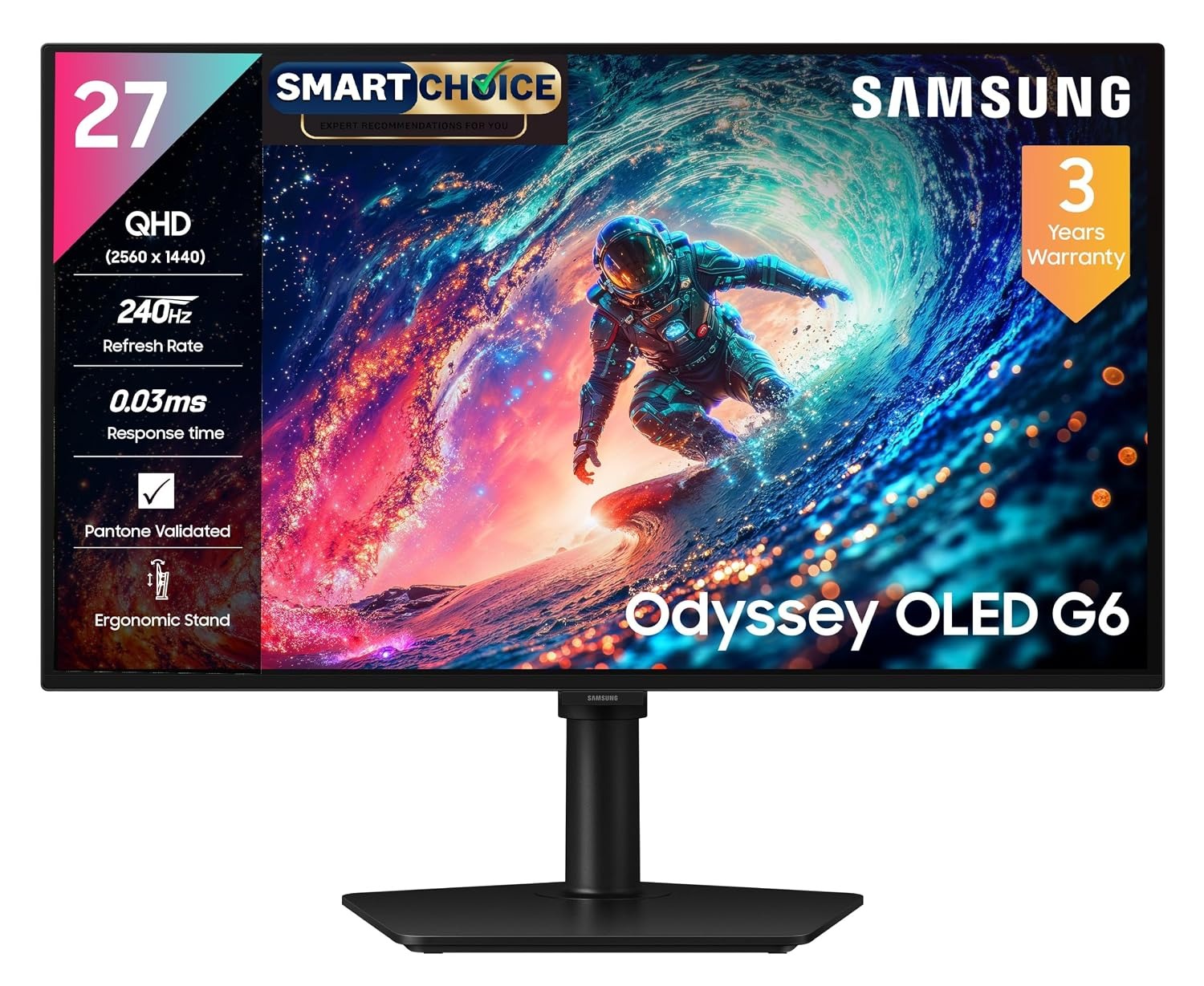
Samsung Odyssey QD-OLED G6: Best Overall Value
If you have never owned an OLED monitor and want to see what the fuss is about without spending flagship money, this is where I would point you. Samsung dropped a genuine QD-OLED panel with a 240Hz refresh rate and 0.03ms response time into a monitor that street prices well under fifty thousand rupees, which is unheard of for the technology. The blacks are properly black and colors pop the way only OLED can, and 240Hz is plenty fast for anything short of the most competitive esports play. It loses a bit of ground to the LG at number two if you are chasing the absolute highest refresh rate, but for most people building their first OLED setup, this is the smarter buy. It is also proof that OLED gaming monitors are finally becoming genuinely attainable in India, not just something to lust after.
- QD-OLED panel, 240Hz
- 0.03ms response time
- Real QD-OLED picture quality at a genuinely accessible price
- 240Hz and 0.03ms response are plenty fast for ranked play
- 27 inch QHD, not 4K, if you want maximum sharpness
- Fewer verified ratings than the more established picks on this list
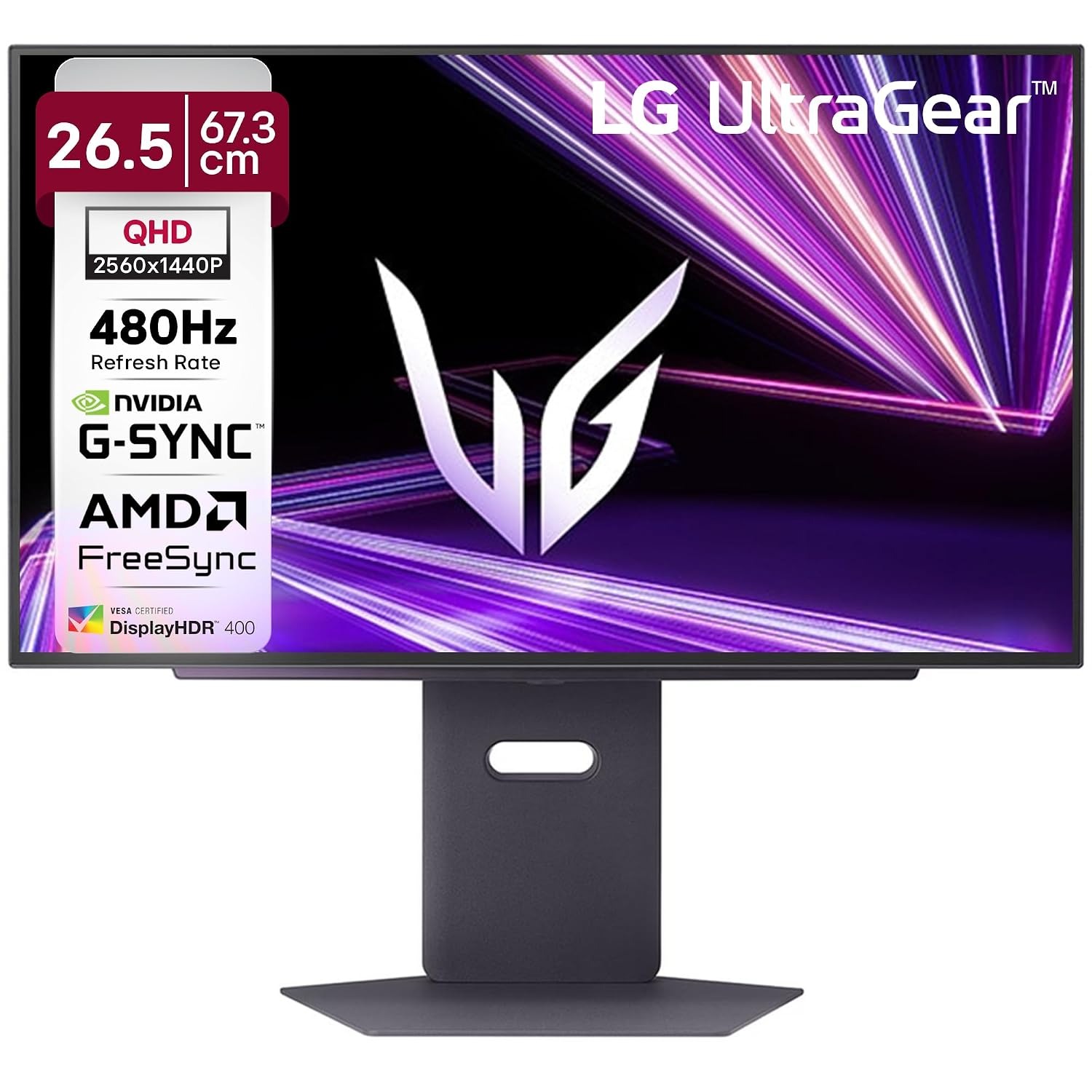
LG UltraGear 27GX790A-B: Best for Competitive Play
For players who genuinely play at a competitive level, refresh rate matters as much as panel type, and this LG is one of the few OLED monitors in India that pushes all the way to 480Hz. Combine that with OLED’s 0.03ms response time and you get motion clarity that no LCD panel, no matter how fast its stated response time, can actually match in a fast paced shooter. It ships with DisplayPort 2.1, which matters for actually feeding a 480Hz 1440p signal without compression artifacts, something older OLED monitors could not do properly. It costs more than the G6 at number one, but if your GPU can push those frame rates and you play ranked shooters seriously, the extra refresh rate is the reason to spend up. Just know that for slower, more cinematic games, you will not notice much difference over the G6 or even a good 240Hz option.
- 480Hz refresh rate
- DisplayPort 2.1, 0.03ms
- 480Hz is the fastest OLED refresh rate widely available in India
- DisplayPort 2.1 properly supports the full refresh rate without compression
- Overkill unless your PC can actually push 400+ fps
- Costs considerably more than the G6 for a refresh rate most people cannot fully use
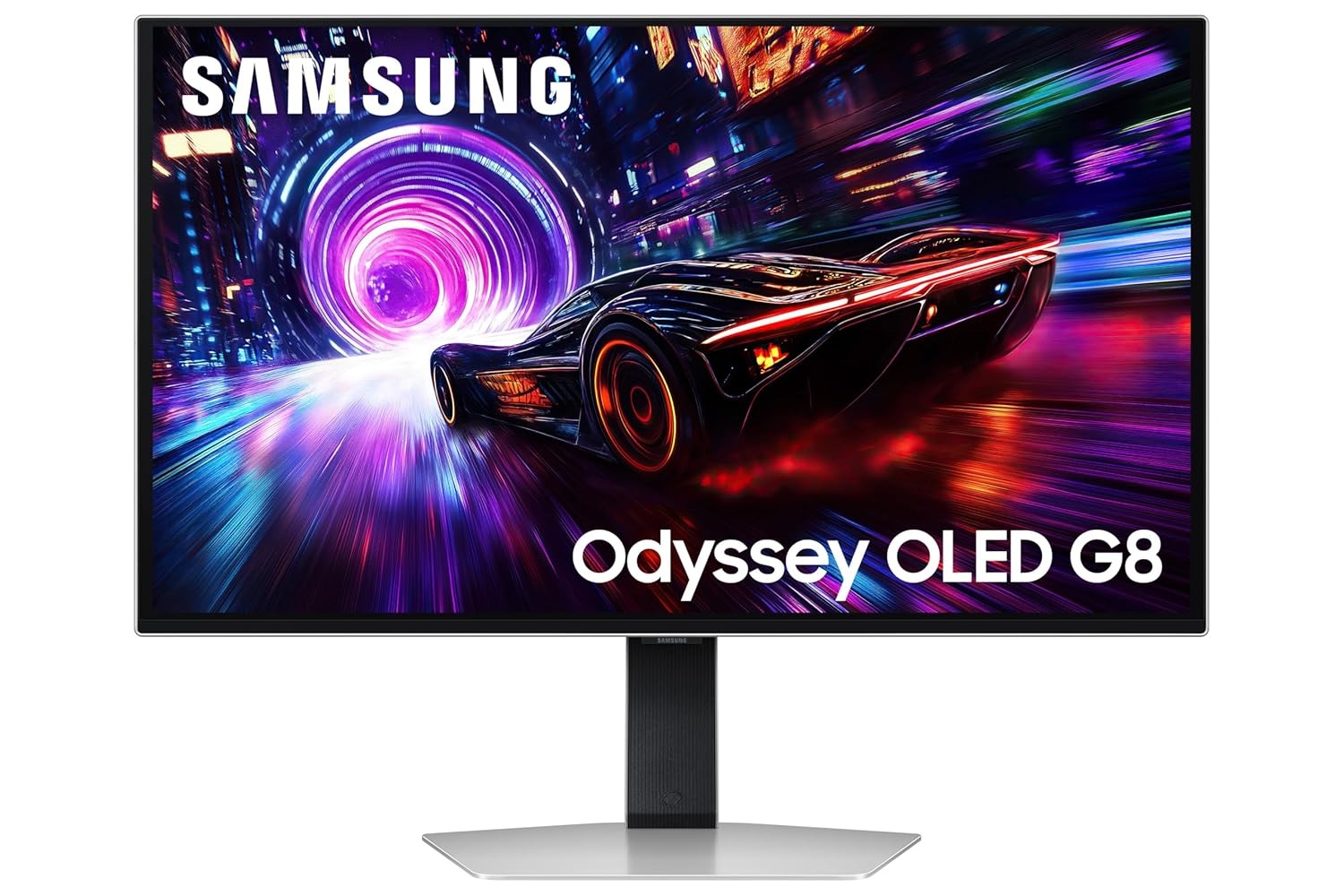
Samsung Odyssey G8 QD-OLED: Best 4K OLED
If you want the sharpness of 4K alongside OLED’s contrast and motion clarity, this is the pick, and Samsung backs it with OLED Safeguard+, their pixel refresh and brightness management system built to reduce burn in risk over years of use. Thirty two inches is a genuinely good size for 4K, big enough to appreciate the extra resolution without needing to scale everything up uncomfortably. Compared to the ultrawide G9 at number four, this is the better choice if you mostly play traditional 16:9 games and also do productivity work on the same screen, since 4K text and detail render beautifully on OLED. Gaming at native 4K and 240Hz does ask a lot of your GPU, so this pairs best with a serious graphics card, something worth planning for in a full PC build. Stock on this exact configuration tends to move fast at this price point, so if you see it in stock, that is not a coincidence, it is a genuinely well reviewed monitor.
- 4K UHD, 240Hz
- OLED Safeguard+ pixel protection
- 4K sharpness with real OLED contrast and color
- OLED Safeguard+ actively works to reduce burn in risk
- Needs a genuinely powerful GPU to hit 240Hz at native 4K
- Stock has been inconsistent at this price
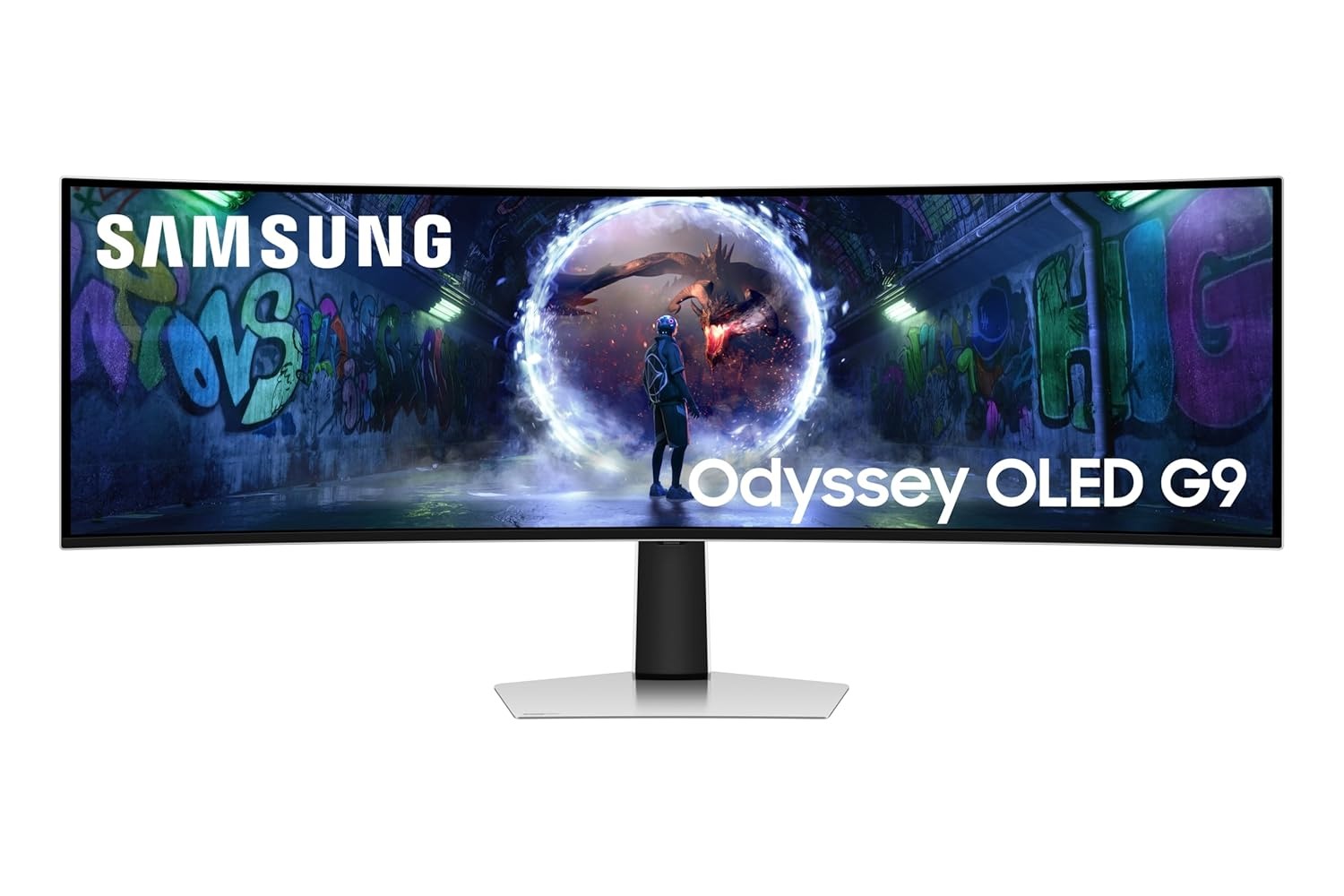
Samsung Odyssey OLED G9: Best Ultrawide
This is the monitor for people who want their setup to feel like a home theater and a gaming rig at once, a 49 inch curved super ultrawide that is effectively two 27 inch QHD screens fused into one. Wrap around field of view like this is genuinely immersive in racing and flight sims, and the 1000R curve keeps the edges from feeling distorted the way older ultrawides did. It runs the same 240Hz and 0.03ms response time as the rest of this list, so you are not giving up smoothness for size. The catch is that not every game handles a 32:9 aspect ratio gracefully, and you will want a strong GPU and a fair amount of desk space before committing to something this large. Compared to the flagship ASUS at number five, you are trading ultimate 4K sharpness for sheer scale and immersion, which is the right trade for some people and the wrong one for others.
- 49 inch, 5120x1440 dual QHD
- 1000R curve, 240Hz
- Genuinely immersive 32:9 field of view for racing and flight games
- Same 240Hz, 0.03ms OLED smoothness as the rest of this list
- Not every game supports the 32:9 aspect ratio well
- Needs serious desk space and a strong GPU to make the most of it
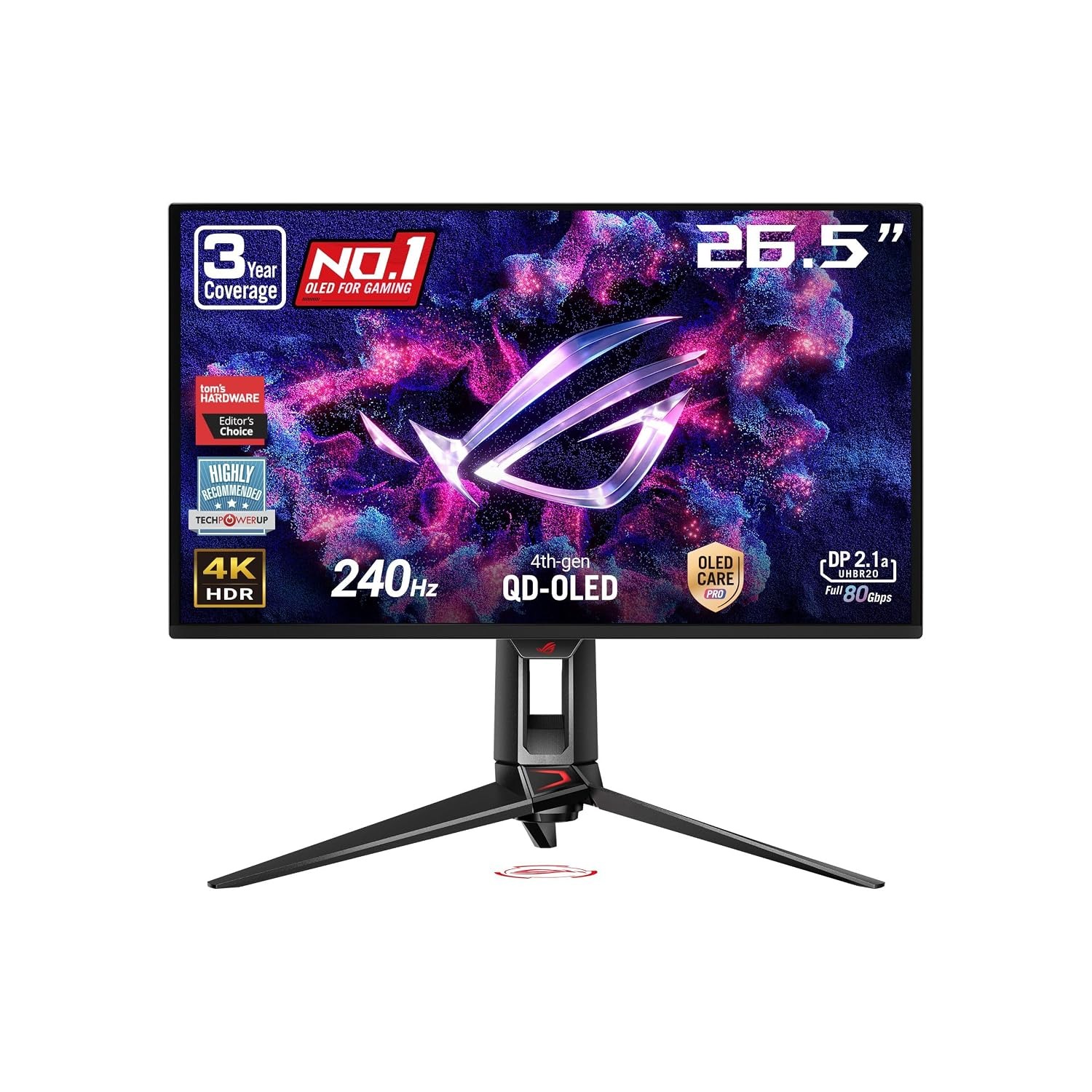
ASUS ROG Swift PG27UCDM: Best Premium Splurge
If budget genuinely is not the constraint, this is the OLED monitor I would point most enthusiasts toward, and the 205 verified ratings on Amazon.in back that up, it is by far the most reviewed OLED gaming monitor on this list. ASUS built a custom heatsink and added a graphene film behind the panel specifically to manage heat and reduce burn in risk, on top of the usual pixel cleaning and brightness limiting most OLED monitors rely on. The 4K QD-OLED panel at 240Hz delivers the sharpness of the G8 at number three with even more attention paid to long term panel health, plus 90W USB-C power delivery that can charge a laptop off the same cable. It costs more than double the G8, so this is very much a want rather than a need for most people. But if you are building a genuine flagship setup and want the most trusted OLED gaming monitor in this price range, this is it.
- 26.5 inch 4K QD-OLED, 240Hz
- Custom heatsink, graphene film
- The most reviewed and trusted OLED gaming monitor on this list by a wide margin
- Custom heatsink and graphene film specifically target burn in risk
- Costs more than double the 4K G8 for modest real world gains
- 90W USB-C is nice but not a reason on its own to spend this much
Whatever OLED you land on, pair it with a GPU that can actually push these panels, our PC build guide is a good place to start if you are assembling around one. If OLED still feels like too big a jump right now, our general best gaming monitors roundup covers excellent LCD options across every budget too. Prices were checked on Amazon.in in September 2026 and change often, especially on OLED where stock can be tight, so double check the live price before buying.
Frequently Asked Questions
Is OLED burn in actually a real risk for gaming?
For normal gaming and mixed use, the risk is low. Modern OLED monitors ship with pixel shifting, automatic brightness limiting and periodic pixel refresh built in, and manufacturers like ASUS and Samsung add extra hardware such as heatsinks, graphene film and OLED Safeguard+ specifically to manage it. The real risk is running the exact same static image at high brightness for eight plus hours a day, every day, which is not how most gamers use a monitor.
Is OLED or IPS better for gaming?
OLED wins on contrast, black levels and motion clarity by a wide margin. IPS still has an edge in one area, sustained brightness in very bright rooms, since OLED panels dim to protect themselves from long term heat and burn in. For a normally lit room, OLED is the better gaming experience.
Do I need a powerful GPU to use a 4K OLED gaming monitor?
Yes, if you want native 4K at high refresh rates like 240Hz. Upscaling technology like DLSS or FSR helps a lot and is worth turning on, but a genuinely strong GPU makes the biggest difference in actually seeing what these panels can do.
Is 480Hz noticeably better than 240Hz?
Only if your GPU can actually push frame rates that high and you play fast, competitive shooters where every millisecond counts. For most single player and slower paced games, 240Hz already looks and feels excellent, and the jump to 480Hz has diminishing returns.
Are OLED gaming monitors good for everyday use, not just gaming?
Yes, the same contrast and color that make games look great also make movies, photos and everyday browsing look excellent. Just be mindful of leaving static elements like a taskbar on screen at high brightness for very long unbroken stretches.
What size OLED gaming monitor should I buy?
27 inch QHD is the most versatile size for most desks and works well for both gaming and everyday use. 32 inch 4K is the sweet spot if you want maximum sharpness and have the GPU to drive it. 49 inch ultrawide is a niche but genuinely immersive choice for racing, flight sims and anyone who wants their whole field of view filled.