Best Work & Study Laptop Deals in Amazon Freedom Sale 2026 (India)

The Amazon Great Freedom Sale is also a great time to sort out your work-from-home or study setup without blowing your budget. We went through Amazon.in's laptop deals looking specifically for machines built for productivity, not gaming — solid battery life, enough RAM to keep a dozen browser tabs and a video call open at once, and a price that makes sense for a student or remote worker. This list runs from a ₹32,000 browser-first PrimeOS laptop right up to a 16GB Core i7 machine, each with a live price, real owner rating and an honest note on who it suits. If you're after gaming performance instead, check our Gaming Laptop Deals roundup, or see all 20 Freedom Sale deals for gamers. Prices checked in August 2026.

Affiliate Disclosure
TechSpawner is reader-supported. This post may contain affiliate links, and if you buy through them we may earn a commission at no extra cost to you. See our affiliate disclosure page for details.

Top Picks at a Glance

RankProductBest ForCostRating
1Dell 15 (Core i3-N305)Best overall₹54,990
★★★★★
★★★★★
4/5
Buy Now →
2Lenovo IdeaPad Slim 3 (i7)Best balanced performance₹74,990
★★★★★
★★★★★
4.1/5
Buy Now →
3Primebook 2 MaxBest ultra-budget pick₹31,990
★★★★★
★★★★★
4.4/5
Buy Now →
#1
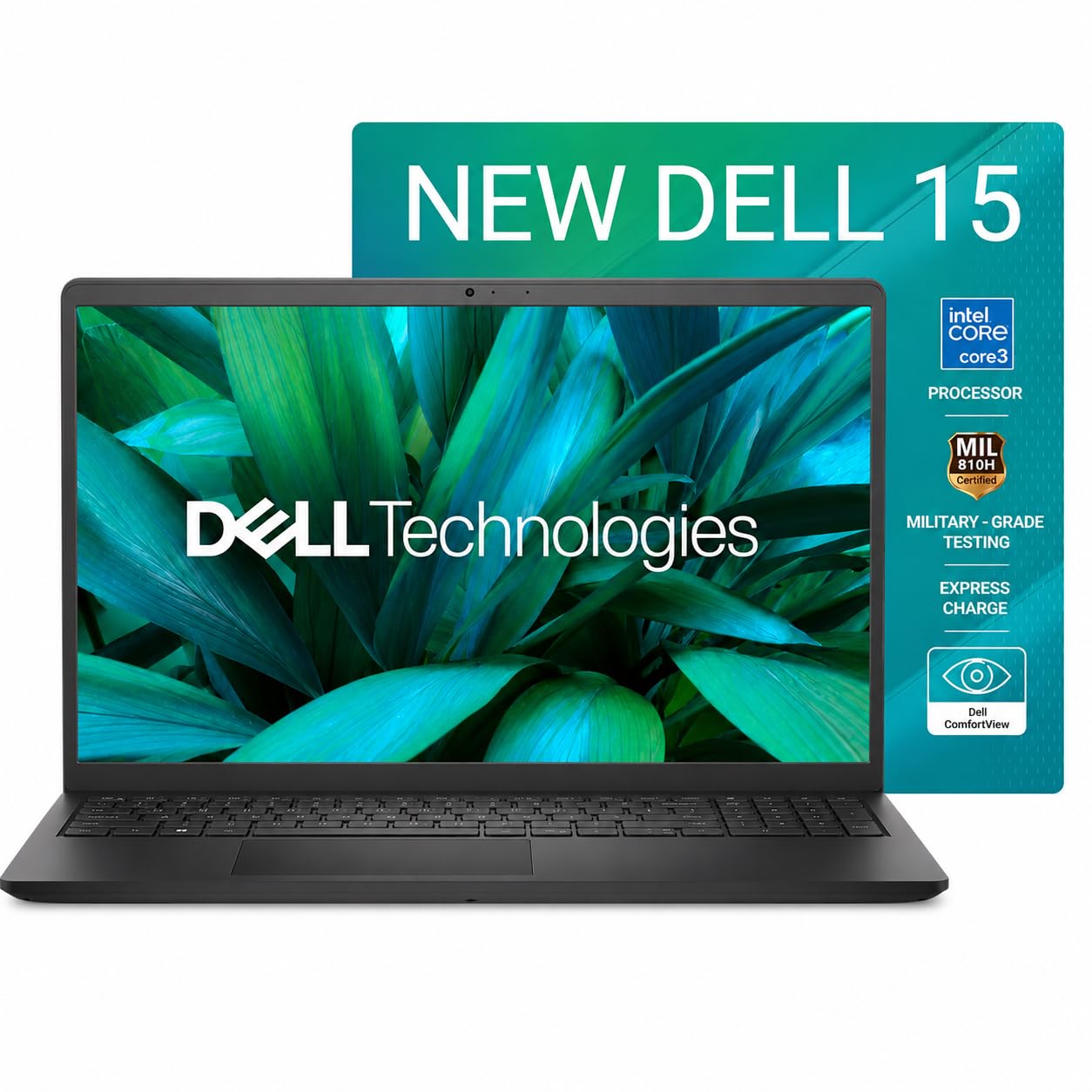
Dell 15 (Core i3-N305 / Core 3 100U, 16GB RAM, 512GB SSD, 120Hz) — Best Overall

Dell 15 (Core i3-N305 / Core 3 100U, 16GB RAM, 512GB SSD, 120Hz) — Best Overall

★★★★★★★★★★4/5

This is the one I'd point most students and remote workers to first. 16GB of RAM is genuinely future-proof for years of browser tabs, spreadsheets and video calls, the 512GB SSD leaves room for actual files, and the 120Hz screen makes everyday scrolling and typing feel noticeably smoother than the usual 60Hz laptop panel. At under ₹55,000 with 1,131 buyer ratings behind it, this isn't a gamble — it's a proven, well-reviewed all-rounder for work and study.

  • 16GB RAM, 512GB SSD
  • 120Hz FHD display
Pros
  • 16GB RAM handles heavy multitasking with ease
  • 1,131 ratings — a genuinely proven pick
Cons
  • Integrated graphics only, no gaming
Price on Amazon.in₹54,990₹72,87425% off
Buy on Amazon →
#2
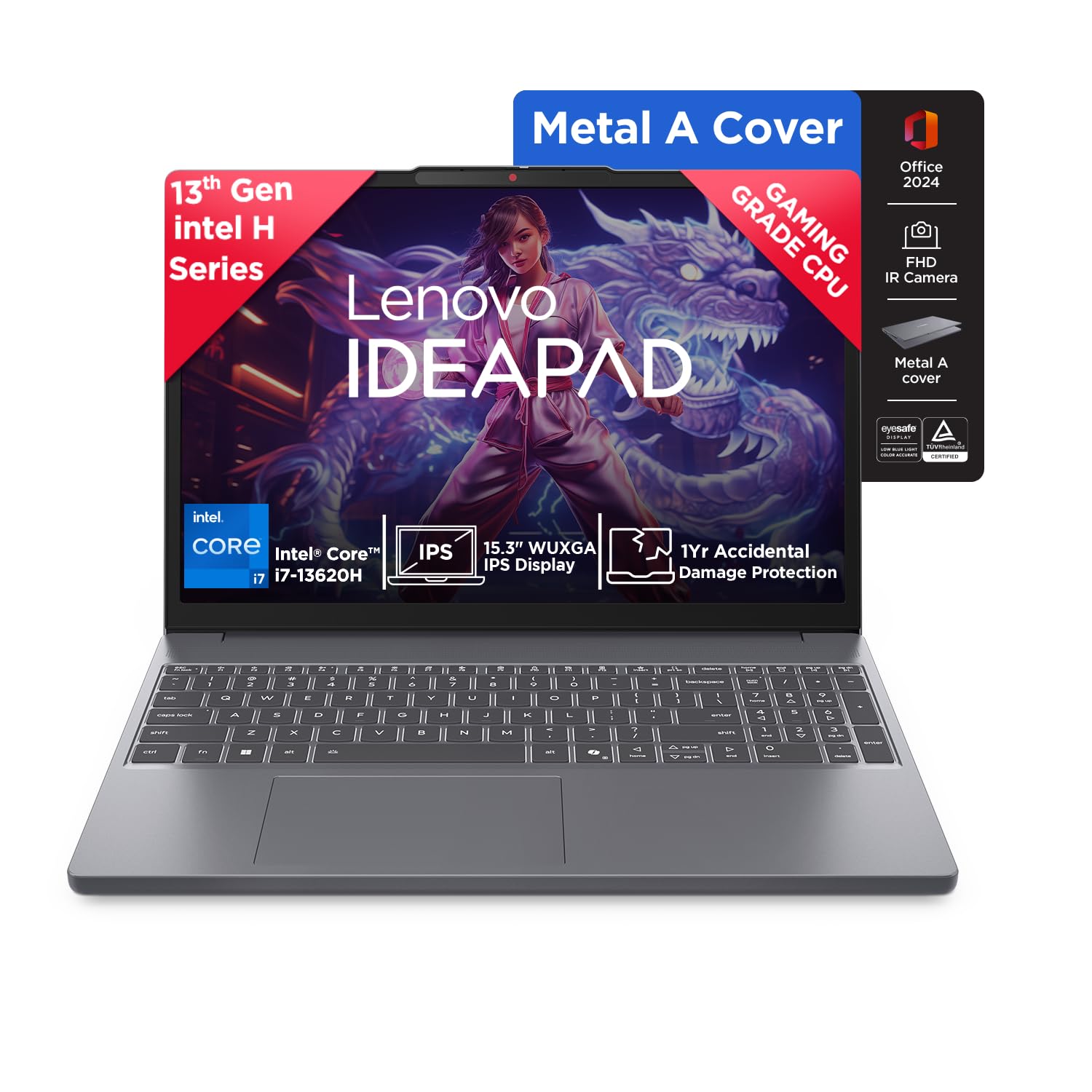
Lenovo IdeaPad Slim 3 (Core i7-13620H, 16GB RAM, 512GB SSD) — Best Balanced Performance

Lenovo IdeaPad Slim 3 (Core i7-13620H, 16GB RAM, 512GB SSD) — Best Balanced Performance

★★★★★★★★★★4.1/5

If your work involves anything heavier than browser tabs — light photo editing, coding, large spreadsheets with macros — the 13th-gen Core i7 in this IdeaPad gives you real headroom the entry-level chips can't match. 16GB RAM and a 512GB SSD round it out nicely, and Lenovo's build quality at this price point has consistently earned it a loyal following among students and freelancers. Stock has been tight on this exact configuration during the sale, so it's worth grabbing early if it fits your budget.

  • Core i7-13620H, 16GB/512GB
  • Full-size backlit keyboard
Pros
  • 13th-gen i7 handles demanding work tasks comfortably
  • Strong build quality for the price
Cons
  • Stock has been limited during the sale
Price on Amazon.in₹74,990₹89,39016% off
Buy on Amazon →
#3
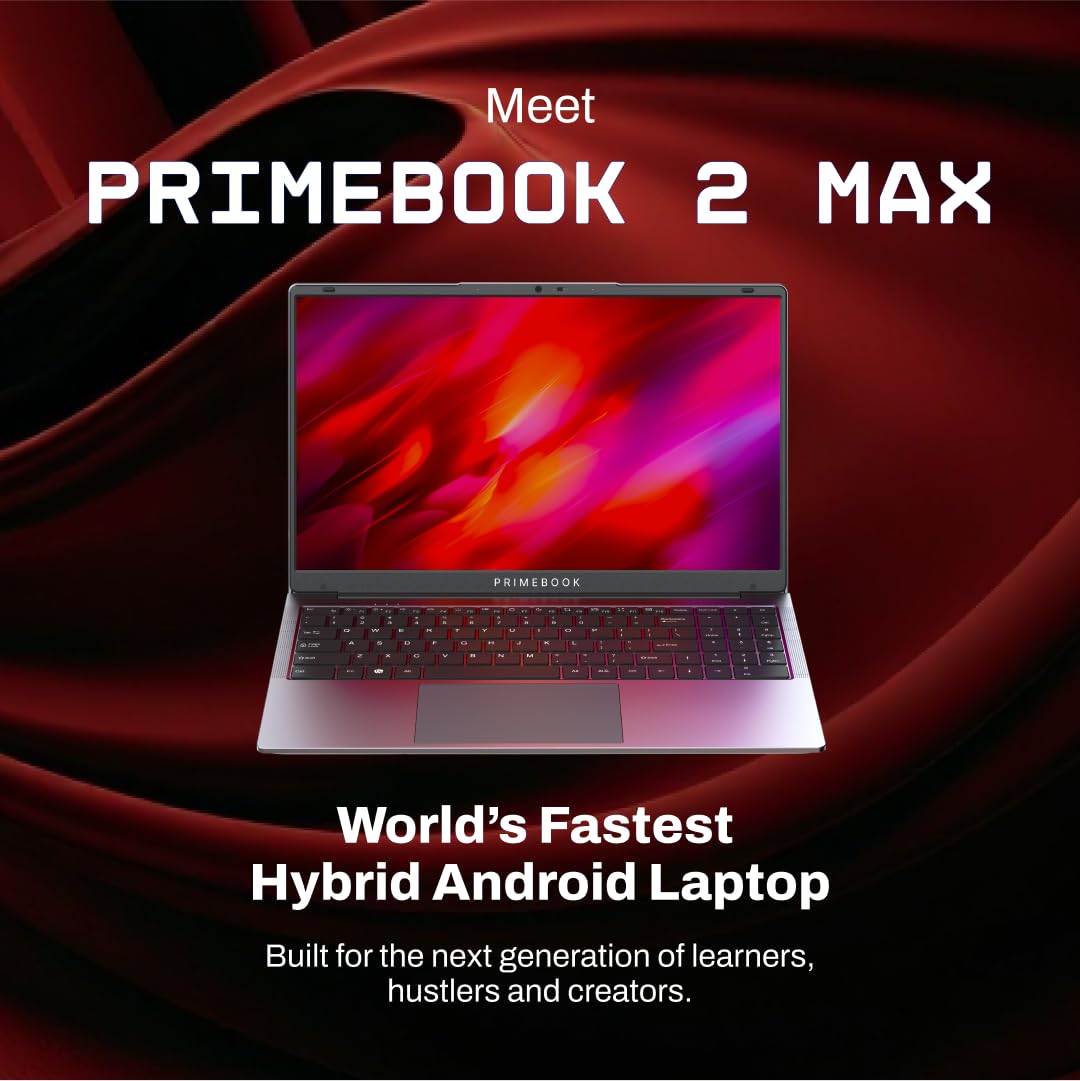
Primebook 2 Max (8GB RAM, 256GB Storage, PrimeOS) — Best Ultra-Budget Pick

Primebook 2 Max (8GB RAM, 256GB Storage, PrimeOS) — Best Ultra-Budget Pick

★★★★★★★★★★4.4/5

For pure browser-based study — Google Docs, Zoom classes, research, email — the Primebook 2 Max undercuts every Windows laptop on this list by a wide margin. It runs PrimeOS, an Android-based, Chromebook-style interface built specifically for lightweight study use, and at under ₹32,000 it's the cheapest legitimate way onto this list. It's not a Windows replacement for software-heavy coursework, but for a student who mostly needs a screen and keyboard for online classes, it's hard to beat on price.

  • 8GB RAM, 256GB storage
  • PrimeOS (Android-based)
Pros
  • Lowest price on this list by a wide margin
  • Light, portable, long battery life for browsing
Cons
  • Not a full Windows replacement — no heavy desktop software
Price on Amazon.in₹31,990₹49,99036% off
Buy on Amazon →
#4
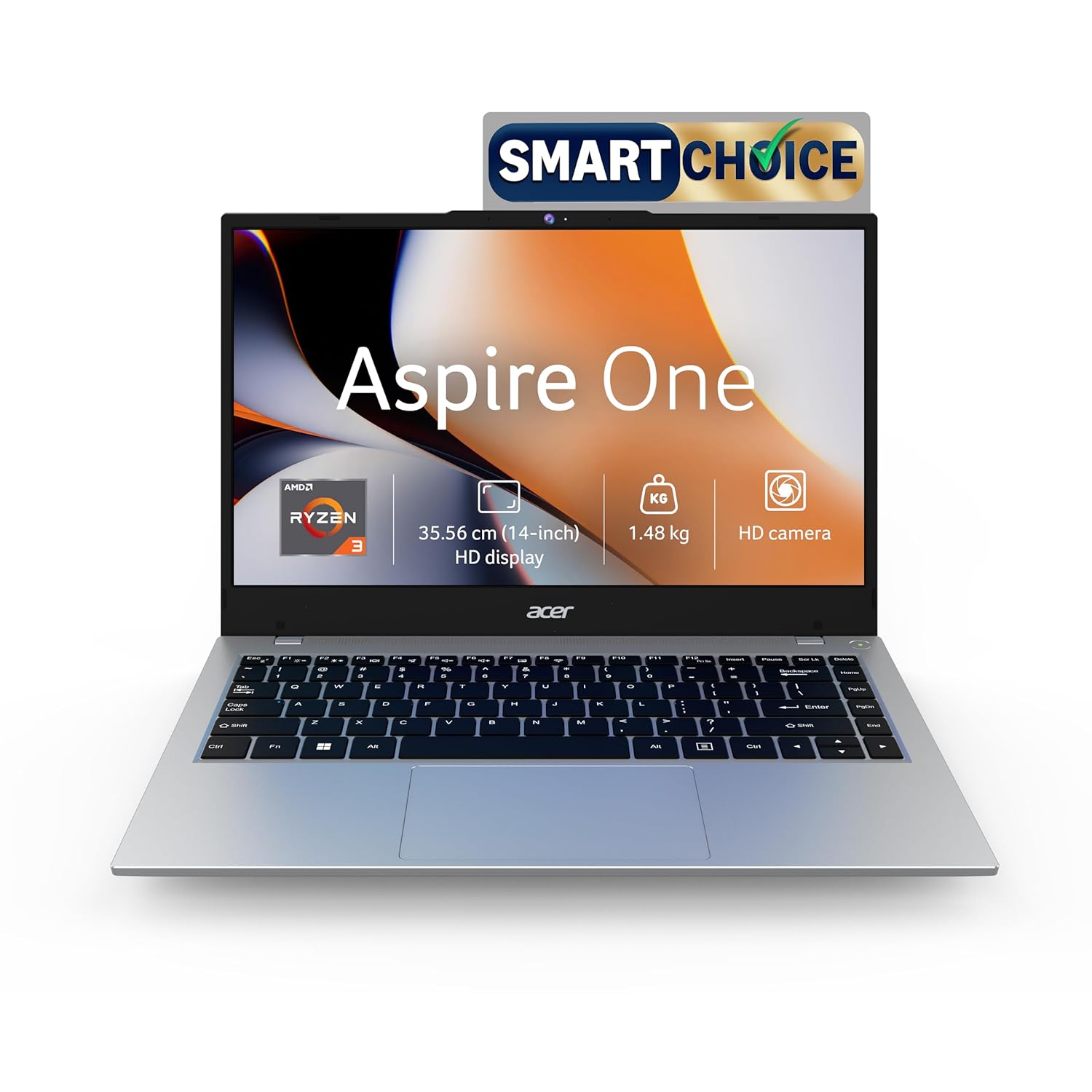
Acer Aspire One (Ryzen 3, 8GB RAM, 256GB SSD)

Acer Aspire One (Ryzen 3, 8GB RAM, 256GB SSD)

★★★★★★★★★★3.6/5

A genuine Windows laptop for well under ₹40,000 — the Aspire One pairs a Ryzen 3 chip with 8GB RAM and a 256GB SSD, enough for full Microsoft Office, browser-heavy research, and everyday coursework without PrimeOS's compromises. It won't win any speed records, but for a student who needs real Windows software occasionally and wants to keep costs down, it's a sensible middle ground between the Primebook and the pricier options above.

  • Ryzen 3, 8GB RAM
  • 256GB SSD
Pros
  • Full Windows 11 at a budget price
  • SSD keeps everyday tasks feeling responsive
Cons
  • 8GB RAM is the minimum for comfortable multitasking
Price on Amazon.in₹36,990₹72,99949% off
Buy on Amazon →
#5
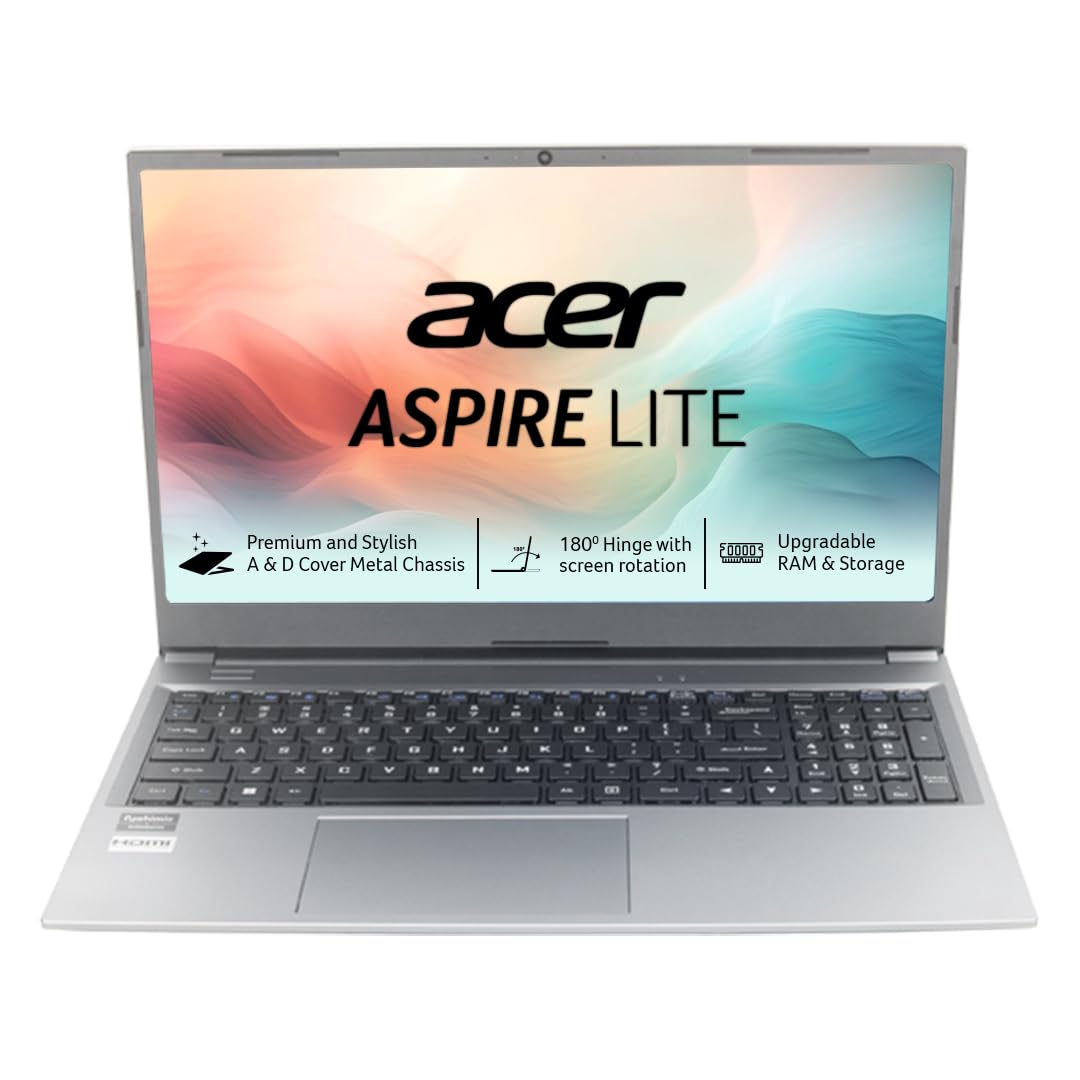
Acer Aspire Lite (Ryzen 3-7330U, 8GB RAM, 256GB SSD, Metal Body)

Acer Aspire Lite (Ryzen 3-7330U, 8GB RAM, 256GB SSD, Metal Body)

★★★★★★★★★★3.2/5

A step up in build quality from the standard Aspire One — this Lite variant gets a metal chassis that feels sturdier for daily backpack use, plus a newer Ryzen 3-7330U chip. If you want something that looks and feels a little more premium for meetings or campus use without spending Core i5 money, this is the pick. Same 8GB/256GB configuration as its sibling, just wrapped in nicer hardware.

  • Ryzen 3-7330U, 8GB/256GB
  • Metal body construction
Pros
  • Metal build feels sturdier than typical budget plastics
  • Newer-generation Ryzen chip
Cons
  • Same 8GB RAM ceiling as cheaper options
Price on Amazon.in₹41,990₹66,99937% off
Buy on Amazon →
#6
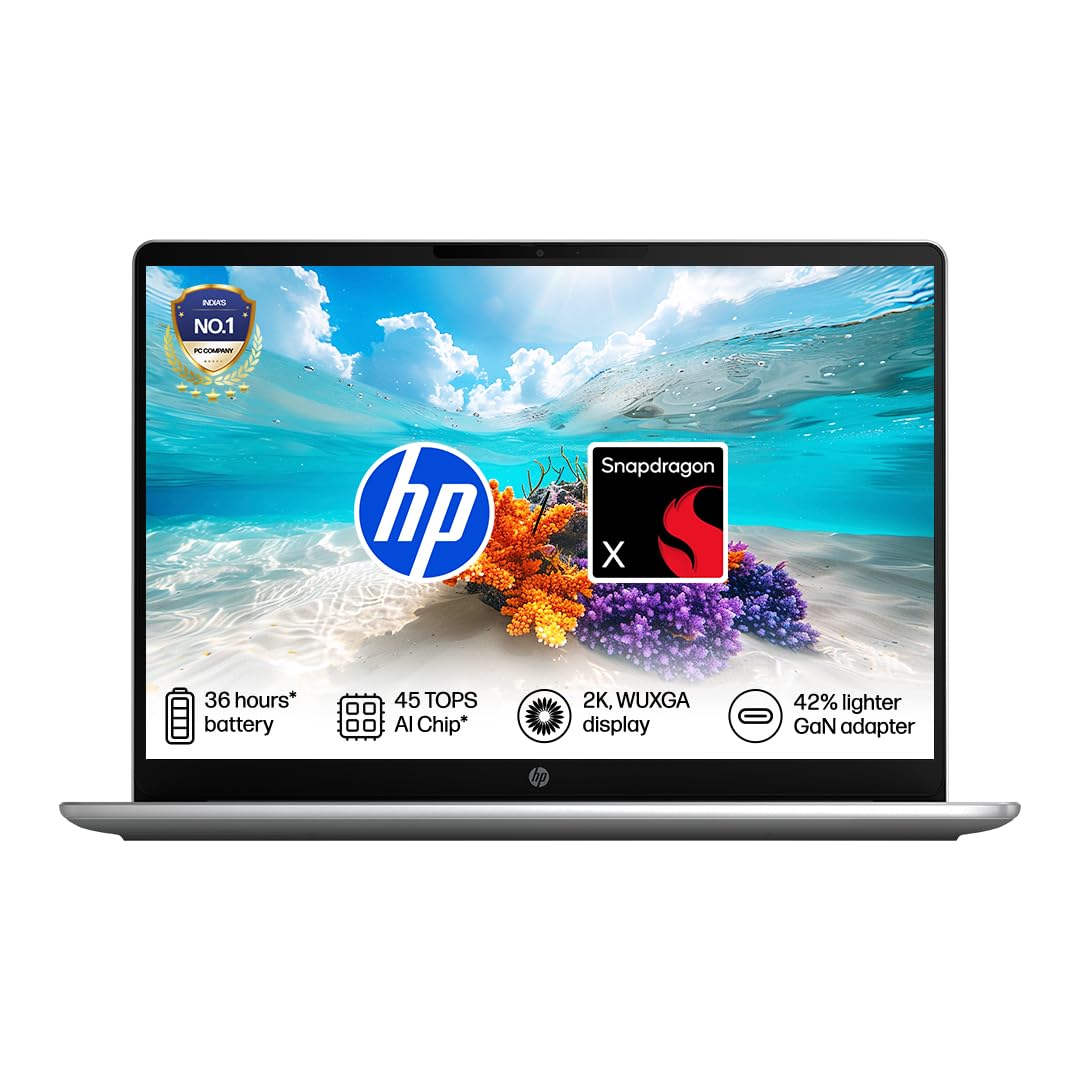
HP OmniBook 3 (Snapdragon X, AI PC, 16GB RAM, 512GB SSD)

HP OmniBook 3 (Snapdragon X, AI PC, 16GB RAM, 512GB SSD)

★★★★★★★★★★3.2/5

HP's ARM-based OmniBook 3 is built around Qualcomm's Snapdragon X chip, which trades raw compatibility for excellent battery life and always-on efficiency — genuinely useful if you're carrying this between classes or meetings all day without a charger. 16GB RAM and a 512GB SSD are generous at this price during the sale. The trade-off is that some older Windows software isn't fully optimized for ARM yet, so it's worth checking compatibility for any specialized apps you rely on.

  • Snapdragon X, 16GB/512GB
  • All-day battery life (ARM efficiency)
Pros
  • Excellent battery life from the ARM chip
  • 16GB RAM and 512GB SSD at this price is generous
Cons
  • Some older Windows apps aren't fully ARM-optimized
Price on Amazon.in₹57,990₹1,44,99960% off
Buy on Amazon →
#7
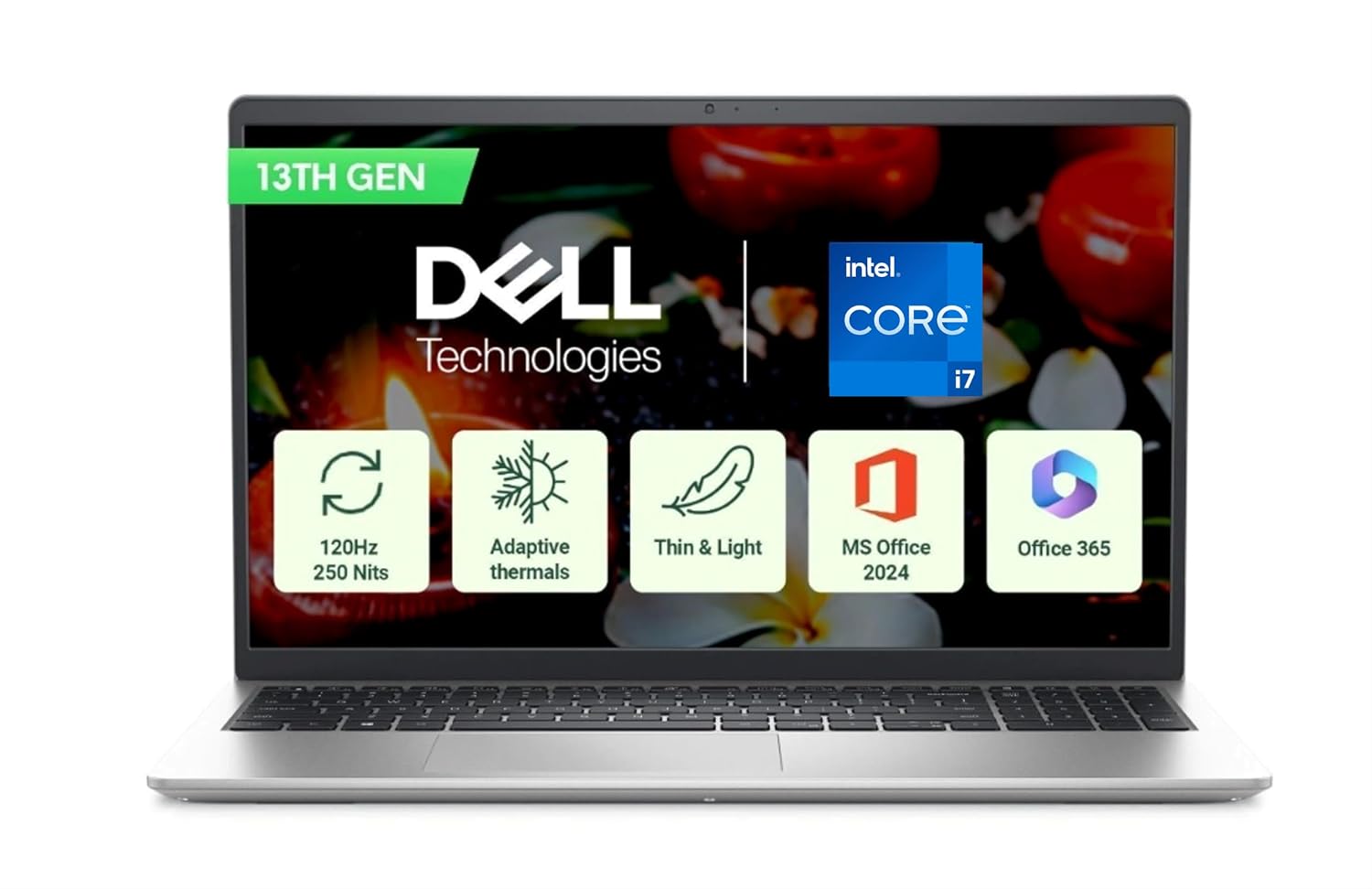
Dell 15 (Core i7-1355U, 16GB RAM, 512GB SSD)

Dell 15 (Core i7-1355U, 16GB RAM, 512GB SSD)

★★★★★★★★★★3.7/5

If the entry-level Dell above covers the basics but you want more sustained performance for things like video calls running alongside heavy spreadsheets or light coding work, this i7-1355U variant is the same trusted chassis with a meaningfully faster processor. It's priced closer to the middle of this list, positioned for buyers who've outgrown i3-class chips but don't need the raw horsepower (or price) of a workstation laptop.

  • Core i7-1355U, 16GB/512GB
  • Same reliable Dell 15 chassis
Pros
  • Noticeably faster than the i3 variant for multitasking
  • 512GB SSD gives plenty of storage headroom
Cons
  • Costs meaningfully more than the i3 configuration

Price on Amazon.in₹70,604₹1,15,99939% off
Buy on Amazon →
#8
Apple MacBook Neo 13-inch (A18 Pro Chip, 8GB RAM, 256GB Storage) — Highest Rated

Apple MacBook Neo 13-inch (A18 Pro Chip, 8GB RAM, 256GB Storage) — Highest Rated

★★★★★★★★★★4.9/5

The only Apple option on this list, and it carries the best owner rating of any laptop here at 4.9 stars. The A18 Pro chip is efficient and quick for everyday work — writing, research, video calls, light editing — and macOS's polish and battery efficiency are hard to match at this price point for anyone already invested in the Apple ecosystem (iPhone, iCloud, AirDrop). 8GB RAM and 256GB storage are modest by Windows standards, but Apple's memory management tends to make it feel less constrained in daily use than the numbers suggest.

  • Apple A18 Pro chip, 8GB/256GB
  • macOS, best owner rating on this list (4.9★)
Pros
  • Best owner rating of any laptop on this list
  • Excellent battery life and build quality
Cons
  • 8GB RAM / 256GB storage is modest for the price

Price on Amazon.in₹72,990Freedom Sale Price
Buy on Amazon →
There has never been a better time to sort out a work or study laptop in India than during the Amazon Great Freedom Sale. The short version: the Dell 15 (Core i3-N305) is the best all-round pick for most students and remote workers, the Primebook 2 Max is the budget hero for browser-first study, and if you need real sustained performance for coding or heavier multitasking, the Lenovo IdeaPad Slim 3 with its 13th-gen Core i7 is worth the extra spend. Match the laptop to what you actually do daily — light browsing and video calls need far less machine than people assume — and always check the live Amazon.in price before you click. Need a laptop built for gaming instead? See our Gaming Laptop Deals roundup, or browse all 20 Freedom Sale deals for gamers.

How much RAM do I actually need for work or study?

8GB is the bare minimum for comfortable browsing, office apps and video calls today, but 16GB is where things stop feeling tight — especially if you keep a dozen browser tabs open alongside a video call or a spreadsheet with heavy formulas. If your budget allows it, we'd steer most buyers toward a 16GB configuration like the Dell 15 or Lenovo IdeaPad Slim 3 on this list.

Is the Primebook 2 Max a real replacement for a Windows laptop?

Not fully. It runs PrimeOS, an Android-based interface built for lightweight, browser-first use — great for Google Docs, Zoom classes, research and email. But it won't run desktop software like full Microsoft Office, Photoshop or most Windows-only coursework tools. If your study or work genuinely needs Windows apps, one of the Windows laptops on this list is the safer choice.

Do I need a dedicated graphics card for college or office work?

For the vast majority of work and study tasks — documents, spreadsheets, browsers, video calls, even light photo editing — integrated graphics is more than enough. A dedicated GPU only matters if you're doing serious video editing, 3D rendering, or gaming. None of the laptops on this list include one, and that's by design; it keeps the price down for the tasks these machines are actually built for.

What's the difference between the two Dell 15 options on this list?

Both share the same reliable chassis and 16GB/512GB configuration, but the entry Core i3-N305 model is built for everyday multitasking at a lower price, while the Core i7-1355U variant handles sustained heavier workloads — like video calls running alongside demanding spreadsheets — noticeably better. Choose the i3 if you're budget-conscious and mostly doing standard office work; choose the i7 if you regularly push your laptop harder.

Is the HP OmniBook 3's ARM chip worth the compatibility trade-off?

If all-day battery life matters more to you than running every piece of Windows software without a second thought, yes. The Snapdragon X chip is excellent on efficiency and battery, and most everyday apps (browsers, Office, video calls) run fine. The catch is that some older or specialized Windows programs aren't fully optimized for ARM yet, so it's worth checking compatibility for anything unusual you rely on before buying.

Are these Freedom Sale prices likely to change?

Yes — Amazon adjusts pricing frequently during sale events, sometimes multiple times a day. We checked every price listed here in August 2026 at the time of publishing, but always confirm the live price on the product page before you buy, since deals can end or change without notice.

Similar Reads

Stay in the Loop 🎮

Get the latest gear deals and café picks in Mumbai — no spam, unsubscribe anytime.